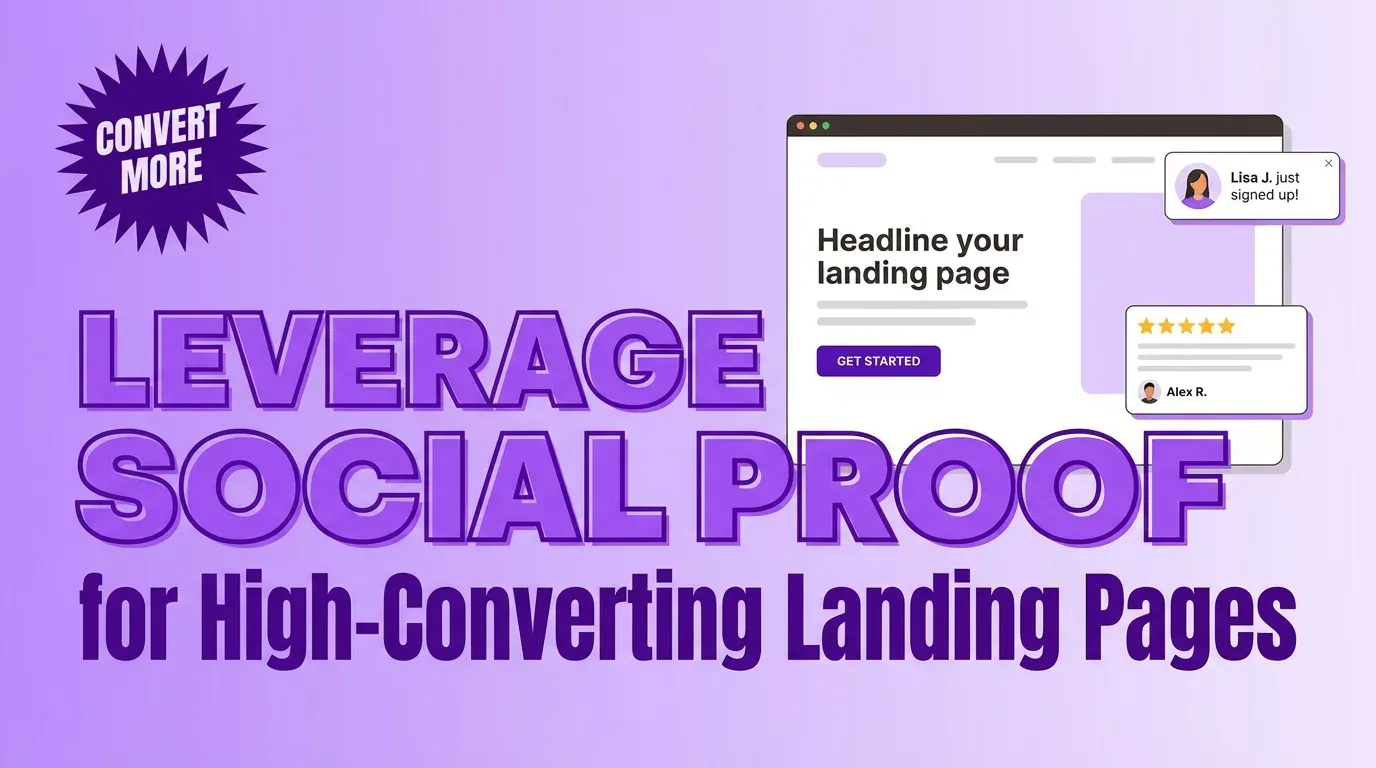
How to Leverage Social Proof for High-Converting Landing Pages

In this article
- What is social proof on landing pages
- Why social proof increases landing page conversions
- 7 types of social proof that boost landing page performance
- Where to place social proof on your landing page
- How to collect social proof for your landing pages
- How to display live social proof on landing pages
- 5 best practices for landing page social proof
- Turn your landing pages into conversion machines
- FAQs about social proof on landing pages
Your landing page is doing its job—visitors are showing up. But they’re leaving without converting, and you’re not sure why.
The missing piece is often social proof: visible signals that other people have already taken the action you’re asking for. In this guide, you’ll learn the types of social proof that actually move the needle. You’ll also discover where to place them for maximum impact and how to display real-time activity that turns hesitant browsers into buyers.
What is social proof on landing pages
Social proof on landing pages means displaying authentic customer feedback—testimonials, ratings, case studies—near your call-to-action buttons. It also involves using visuals like photos to increase credibility and keeping endorsements specific with measurable results rather than generic praise.
Picture walking past two restaurants: one packed with diners, the other empty. You’re naturally drawn to the busy one because other people’s choices signal quality.
Social proof works the same way online. It shows visitors that real people have already taken the action you’re asking them to take.
On a landing page, social proof takes many forms: customer reviews, trust badges, live purchase notifications, client logos, and user-generated content. Each type serves the same purpose—reducing the mental friction that makes visitors hesitate before clicking your CTA.
A landing page like the CallTuv web phone dialer is a good example of where matching reviews to the offer can reduce hesitation and improve conversion intent.
Why social proof increases landing page conversions
Visitors arrive on your landing page skeptical. They don’t know you yet, and they’ve been burned by overpromising brands before.
Social proof shifts the conversation from “trust us” to “others already trust us”—a much easier sell. When people feel uncertain, they look to others for guidance. Seeing that thousands of customers already signed up, or that Sarah from Austin just made a purchase, provides the reassurance visitors need to move forward.
Real-time notifications showing recent purchases also trigger FOMO—fear of missing out. If other people are buying right now, maybe the offer won’t last.
- Builds instant credibility: Peer actions carry more weight than brand claims
- Reduces perceived risk: Seeing others succeed lowers anxiety about the decision—Spiegel Research Center found that displaying reviews for higher-priced products increased conversions by 380%
- Creates urgency: Real-time activity signals popularity and scarcity
7 types of social proof that boost landing page performance
Customer testimonials
Written quotes from real customers describing their experience remain one of the most powerful forms of social proof. The key is specificity—”This tool helped me increase conversions by 34%” beats “Great product!” every time.
Include the customer’s name, photo, and company when possible. Testimonials that address common objections work especially well near CTAs.
Customer reviews and star ratings
Aggregate ratings from platforms like Google, Trustpilot, or Facebook provide quick visual validation. A 4.8-star rating communicates quality in a split second—no reading required.
Displaying reviews directly on your landing page keeps visitors from leaving to research you elsewhere. BrightLocal found 41% of consumers always read reviews when browsing for businesses.
Trust badges and client logos
Recognizable brand logos create “borrowed credibility.” If Fortune 500 companies trust you, visitors assume you’re legitimate. Security badges, payment icons, and certifications work similarly—they signal safety and professionalism.
Place logo bars near the top of your page for immediate impact. Even three or four recognizable names can dramatically shift perception.
Live visitor and sales notifications
Real-time social proof notifications showing recent purchases, signups, or current visitors create a “busy storefront” effect. These notifications—sometimes called FOMO popups—signal that your offer is popular and worth acting on.
ProveSource automates this with Stream notifications (showing individual actions like “John from Denver just signed up”) and Live Visitors counters (showing how many people are viewing the page right now).
Aggregate customer data and statistics
Numbers showing total customers served, products sold, or actions taken over time demonstrate scale and momentum. “Join 40,000+ businesses” tells visitors they’re not early adopters taking a risk—they’re joining a proven solution.
Combo-style notifications display activity over 24 hours, 7 days, or 30 days, giving visitors a sense of ongoing momentum rather than just a single moment.
User-generated content
Photos, videos, or social posts created by actual customers feel more authentic than polished marketing content. UGC shows your product in real-world contexts, which helps visitors imagine themselves using it.
The imperfection of user-generated content actually increases trust—it’s clearly not staged.
Media mentions and awards
“As seen in” sections featuring publication logos, industry awards, or certifications provide third-party validation. When recognized sources vouch for you, visitors don’t have to take your word for it.
| Social Proof Type | Best For | Where to Place |
|---|---|---|
| Customer testimonials | Building emotional connection | Near CTA, mid-page |
| Reviews and ratings | Quick credibility scan | Above the fold, near pricing |
| Trust badges and logos | Borrowed authority | Header, footer, checkout |
| Live notifications | Creating urgency and FOMO | Corner popups, any page |
| Aggregate data | Showing scale and momentum | Hero section, near CTA |
| User-generated content | Authenticity | Gallery sections, social feeds |
| Media mentions | Third-party validation | Above the fold, footer |
Where to place social proof on your landing page
Above the fold
First impressions happen in seconds. Trustpilot found 86% of customers are more likely to purchase when they see positive ratings on the homepage, so placing trust badges, star ratings, or client logos near your headline establishes credibility before visitors start scrolling.
A short trust bar—”Trusted by 40,000+ businesses”—directly below your main header works well here.
Near your call to action
Visitors hesitate most right before clicking the CTA button. Placing a testimonial or recent purchase notification near CTAs addresses last-second doubts exactly when they arise.
A testimonial addressing a common objection, or a recent purchase notification appearing as someone hovers over the button, can push hesitant visitors over the edge.
Throughout the page as visitors scroll
Long-form landing pages benefit from social proof at multiple touchpoints. Different types work at different scroll depths—logos near the top, testimonials in the middle, reviews near the bottom.
This “drip” approach reinforces trust as visitors move through your page.
At exit intent moments
When visitors move to leave, a final social proof notification can recover the conversion. Exit-intent triggers detect when someone’s about to close the tab and display one last urgency signal.
Try ProveSource Free — Add real-time social proof notifications to your landing pages in minutes.
How to collect social proof for your landing pages
1. Send post-purchase follow-up emails
Automated emails requesting reviews or testimonials work best when timed correctly—after customers have used your product but while the experience is still fresh.
2. Integrate with review platforms
Connect to review platforms like Google Reviews, Trustpilot, Facebook, or industry-specific sites to automatically pull in existing reviews. This saves manual effort and keeps your social proof current.
3. Offer program for customer feedback
Small incentives—discounts, loyalty points, or early access—can increase review volume. However, authentic reviews matter more than quantity.
4. Run user-generated content campaigns
Hashtag campaigns, photo contests, or simply asking customers to share their experience on social media generate authentic content you can repurpose.
5. Use automated review collection tools
Social proof tools that automatically request, collect, and display reviews eliminate manual work. ProveSource can pull reviews from multiple sources and display them as on-site popups without requiring you to update anything.
How to display live social proof on landing pages
Real-time purchase and signup notifications
Stream-style notifications show individual recent actions: “Sarah from Austin just purchased” or “Mike signed up 3 minutes ago.” The specificity—real names, locations, timestamps—makes the activity feel genuine.
You can customize timing, display rules, and branding to match your site. Smart timing matters here—notifications that appear too frequently feel spammy, while too few miss the opportunity.
Live visitor counters
Widgets showing how many people are currently viewing the page create social validation and urgency simultaneously. “47 people are viewing this right now” signals popularity and suggests the offer might not last.
This works especially well for limited offers or product launches.
💡 Tip: Start with one or two notification types and measure the impact before adding more. Overwhelming visitors with popups can backfire.
5 best practices for landing page social proof
1. Keep social proof relevant to the offer
Match the testimonial or review to the specific landing page offer. A generic company review is less powerful than one mentioning the exact product or service being promoted.
If you’re selling a specific course, show testimonials from people who took that course—not just general praise for your brand.
2. Prioritize authenticity over perfection
Real, imperfect testimonials outperform polished marketing copy. Visitors can sense fake or overly edited reviews. A 4.7-star rating actually feels more trustworthy than a perfect 5.0 across thousands of reviews.
Include real names, photos, and specific details. Vague praise from “Anonymous” doesn’t move the needle.
3. Use photos and visuals to boost credibility
Faces build trust. Testimonials with headshots convert better than text-only quotes because humans are wired to connect with other humans.
Even simple additions—a customer photo, a company logo, a screenshot—increase perceived authenticity.
4. Match notification timing to user behavior
Don’t overwhelm visitors with popups the moment they land. Smart timing means delaying initial notifications, spacing them appropriately, and considering page-specific rules.
Display frequency controls let you show notifications often enough to create impact without annoying visitors.
5. Test placement and formats continuously
What works varies by audience and offer. A/B test different social proof types, placements, and messaging to find what resonates with your specific visitors.
Treat social proof as an ongoing optimization opportunity rather than a set-and-forget addition.
Turn your landing pages into conversion machines
Social proof works because it taps into fundamental psychology—people trust what others have already validated.
Start with one or two types of social proof placed strategically near high-intent areas. Measure the impact, then expand. Even small additions—a testimonial near your CTA, a live visitor counter, a trust badge in your header—can meaningfully lift conversions.
Try ProveSource Free — Add real-time notifications, review popups, and live visitor counters to your landing pages without rebuilding anything.
FAQs about social proof on landing pages
How much social proof should you add to a landing page?
Focus on quality and relevance over quantity. Two or three well-placed, highly relevant pieces of social proof typically outperform a page cluttered with generic testimonials. Start small, measure impact, and add more only if it improves results.
What social proof works best for new businesses with few customers?
Founder credibility, early testimonials from beta users, trust badges, media mentions, or social follower counts all work regardless of sales history. Live visitor notifications also create social proof without requiring purchase data.
Does adding social proof notifications slow down landing page load times?
Lightweight tools designed for performance have minimal impact. Look for asynchronous loading and optimized scripts. ProveSource loads efficiently without affecting page speed scores.
Can poorly implemented social proof hurt landing page conversions?
Yes. Fake-looking testimonials, excessive popups, or irrelevant reviews can damage trust and annoy visitors. Authenticity and smart timing are essential—always match social proof to the specific offer and audience.