
Free WhatsApp Button That Starts Conversations
A floating button that opens a WhatsApp chat, a phone call or any link, on every page. Set it up in a minute. Free forever, no credit card.
- Free forever plan
- No credit card
- Live in 2 minutes
- Works on any website
Add a WhatsApp Button in 3 Steps
- Sign Up FreeEnter your email or use Google. No password, no credit card.
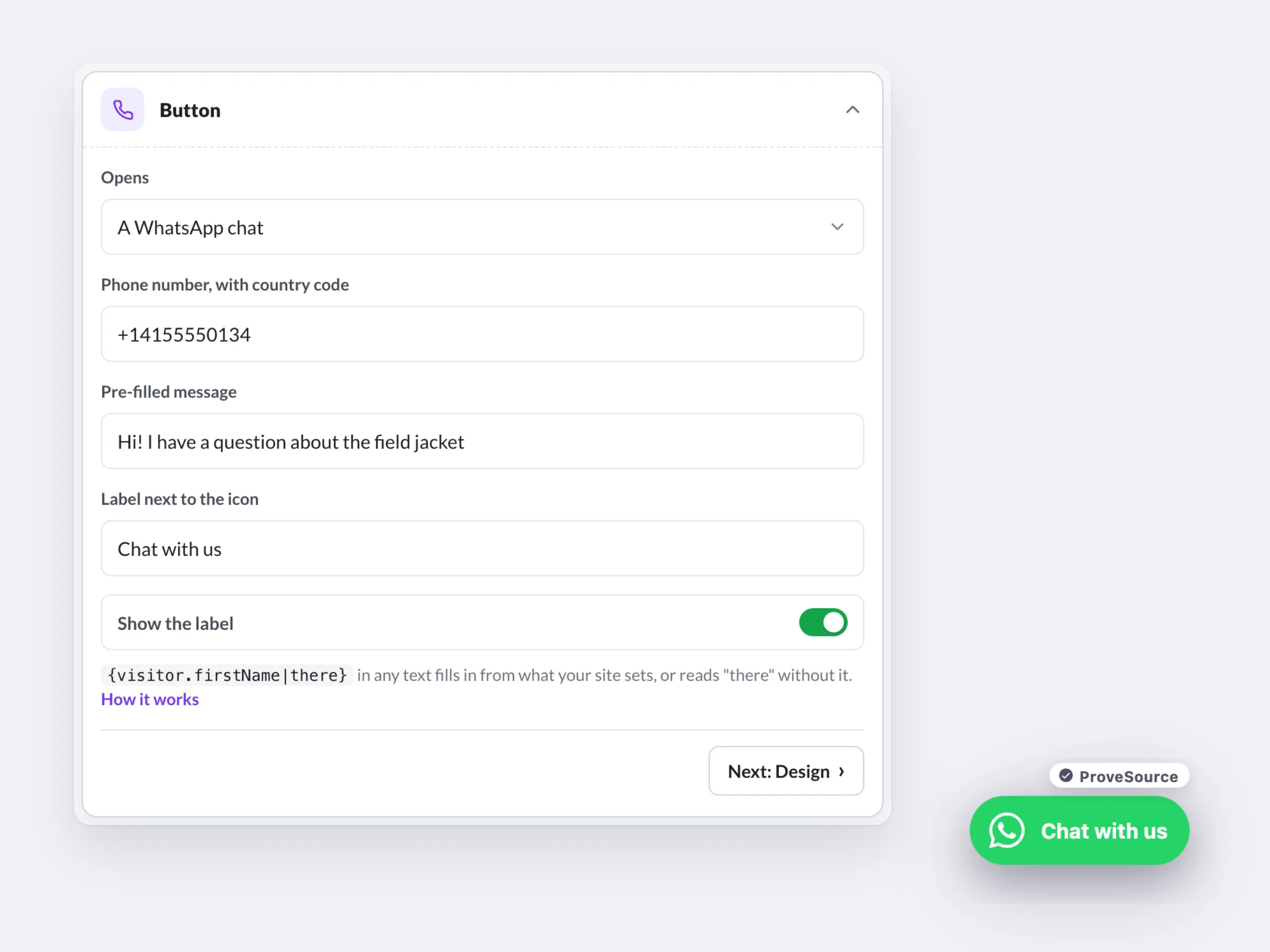
- Design ItEnter your number and a pre-filled message, pick a corner and your colors.
- Paste It & Go LiveAdd one line to your site. It's live on the next page view.
Sign up with your email or Google. No password, no credit card.
One Button, Three Ways to Reach You
Turn Questions Into Conversations
A chat one tap away, for visitors who would rather ask than read.
One Tap to a Chat
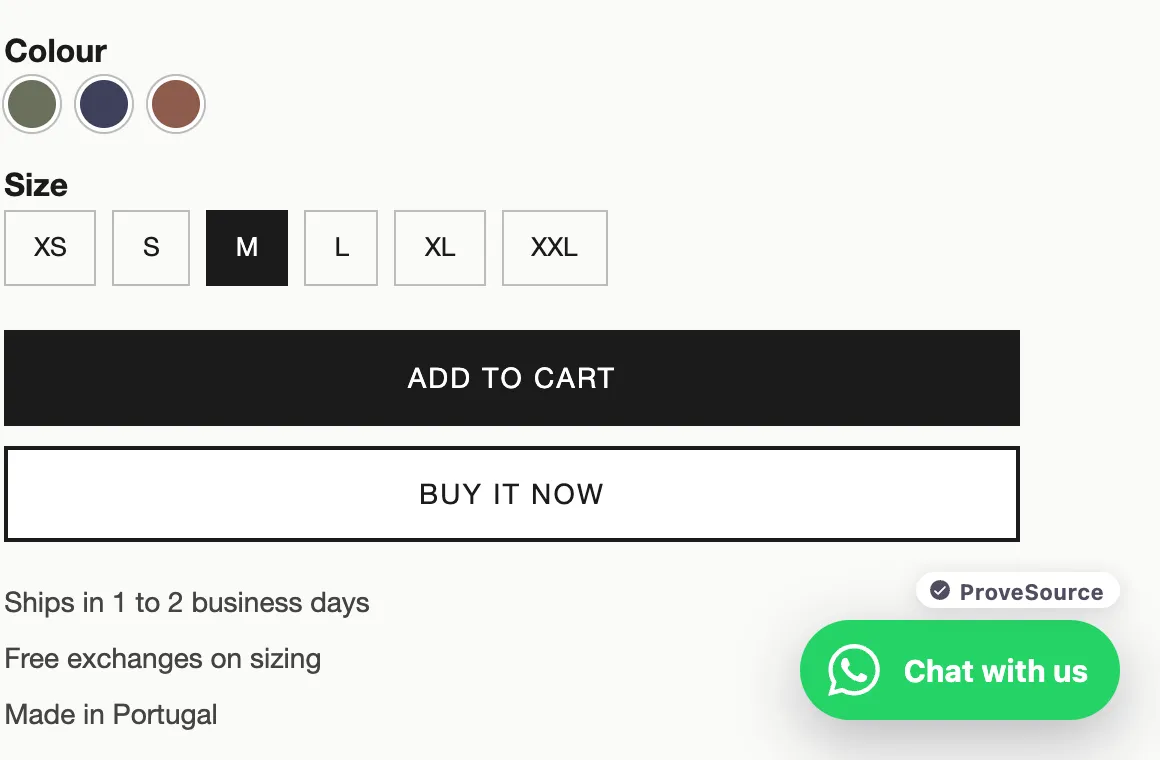
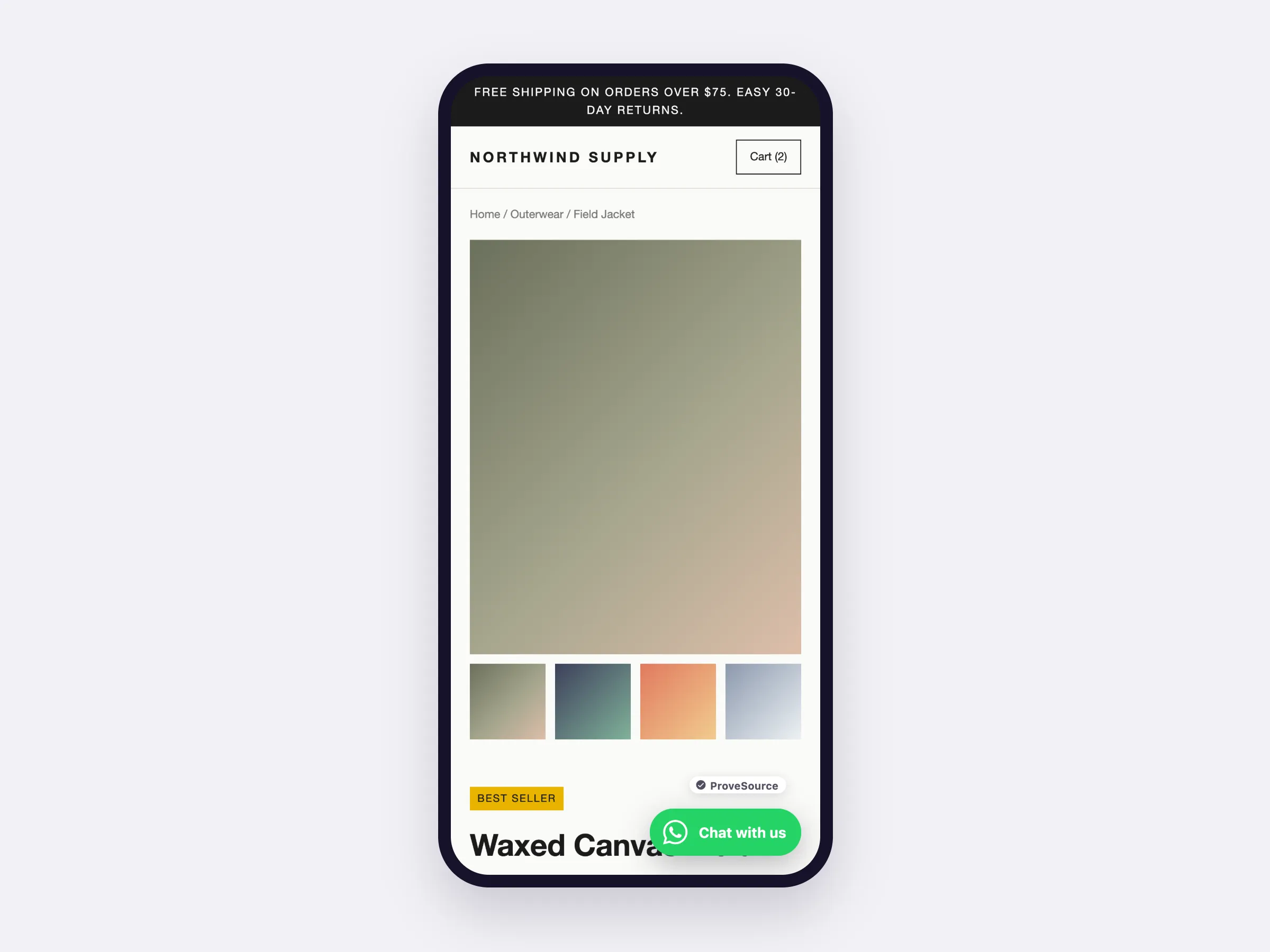
On a phone the button opens WhatsApp; on a computer, WhatsApp Web or the desktop app. Chats arrive on the phone you already use.
- Works with WhatsApp and WhatsApp Business
- No API to set up, nothing to approve
A Message Already Typed
Visitors start the chat with your words, so they only finish the sentence and you know what they are asking about.
- WhatsApp, a phone call or any link
- Your label, colors and corner
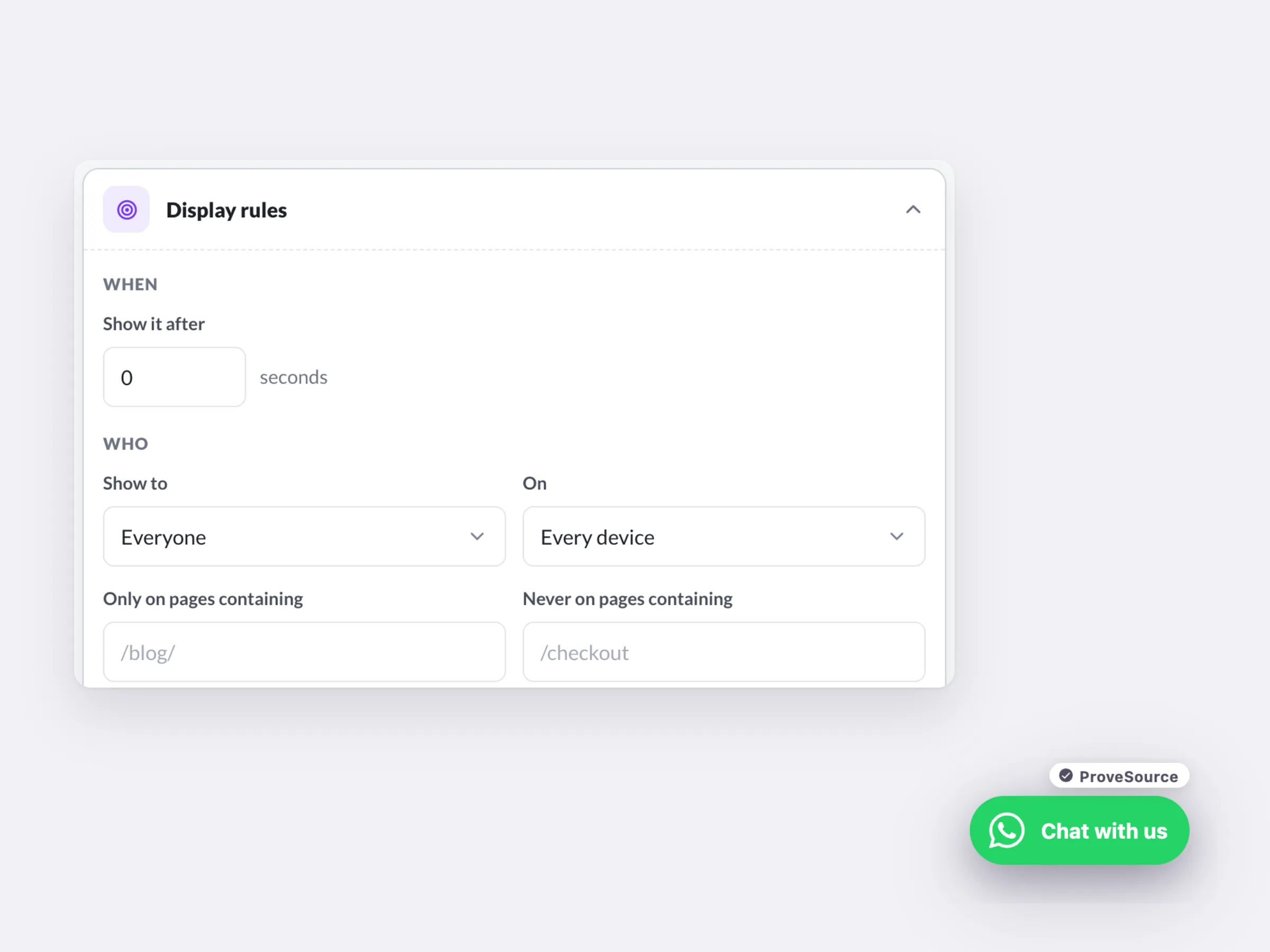
Shown Where Questions Happen
Show it on product, pricing and booking pages, on the devices you choose, after a short delay.
- Pages, devices, visitors and countries
- Start and end dates for a campaign
Free forever plan. No credit card.
Turn Questions Into Customers
WhatsApp, a phone call or any URL, from one button.
Views, clicks and click rate by day, plus GA4 and Meta pixel events.
Choose the corner, the label and the colors. Your theme can't break it.
Works on Any Website
One line of code on any platform. On WordPress, the free plugin needs none.
 HTML / JavaScript
 Google Tag Manager
 Shopify
 WordPress
 Wix
Wix Squarespace
 Webflow
 Framer
Free Forever. Upgrade When You Grow.

Free
$0/forever- 3 widgets
- 1,000 views a month
- Every feature, unlimited leads
- 3 AI credits a month
- Small ProveSource badge

Pro
$24/month- Unlimited widgets and views
- No badge
- 30 AI credits a month
- Or $195 a year, 2 months free
Frequently Asked Questions
What is a WhatsApp chat button?
A floating button in the corner of your site that opens a WhatsApp chat with your business number, with a first message already typed.
WhatsApp button or live chat?
Live chat needs someone watching a dashboard. A WhatsApp button sends the conversation to the phone you already answer, and the customer keeps the chat in their own WhatsApp afterwards.
Can it be a call button instead?
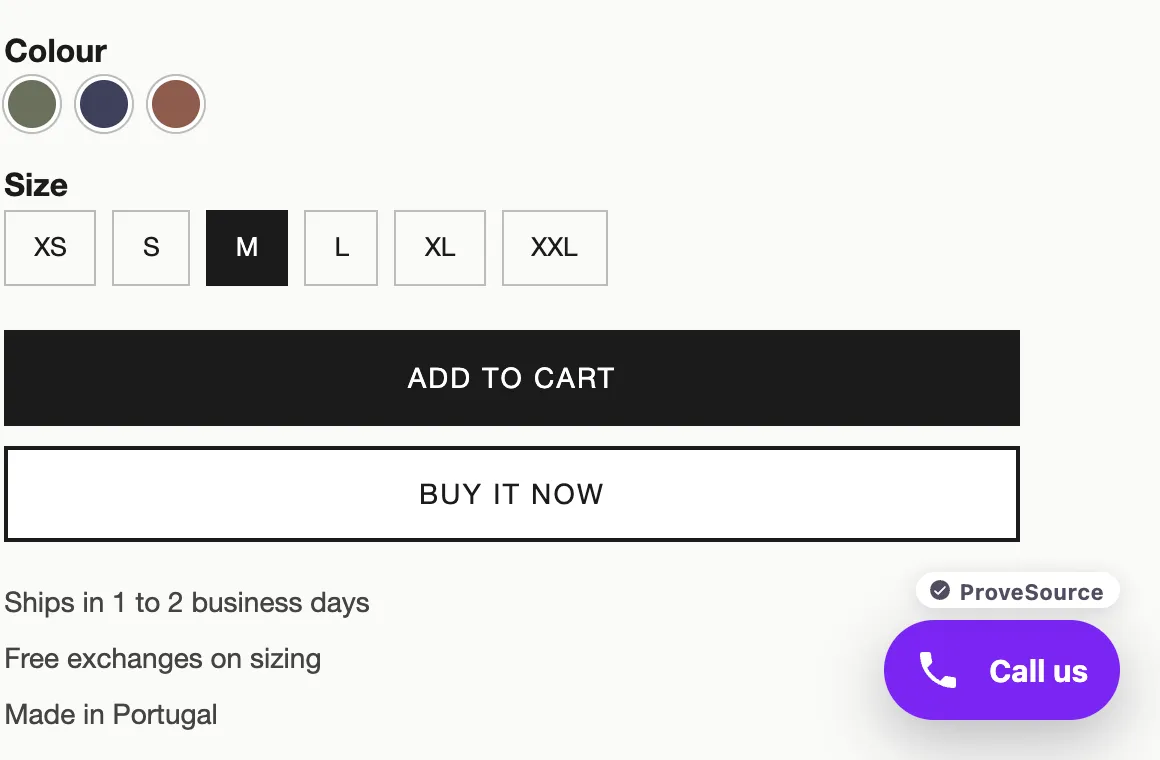
Yes. Switch it to a phone call and it opens the dialer, or point it at any link, like a booking page or contact form.
What number format do I use?
Your number with the country code, like +14155552671. The editor cleans up spaces and dashes for you.
Can I pre-fill the message?
Yes. Something like "Hi, I have a question about" opens the chat already typed, so the visitor only has to finish the sentence.
Can I show it only sometimes?
Yes. Pick pages, devices and countries, add a delay, and set start and end dates for a campaign.
Do I need WhatsApp Business?
No. The button works with any WhatsApp number, on the regular app or on WhatsApp Business. Business adds tools on your side, like greeting and away messages, which help when chats come in out of hours.
Does it work on desktop?
Yes. On a computer the button opens WhatsApp Web or the WhatsApp desktop app with your number and message ready.
Is it really free?
Yes. The free plan includes 3 widgets and 1,000 views a month with every feature and unlimited leads, and shows a small ProveSource badge. Pro is $24 a month or $195 a year for unlimited widgets and views, with no badge.
Do I need a developer?
No. You paste one line of code, the same on every platform. Your dashboard has step-by-step instructions for Shopify, WordPress, Wix, Squarespace, Webflow, Framer and Google Tag Manager.
Will it slow down my site?
No. The script loads asynchronously from a CDN after your page renders. Widgets draw in an isolated layer, so your theme's CSS can't break them and theirs can't touch your site.
Can I edit it after it's live?
Yes. The tag only carries your widget ID. Save a change in your free dashboard and your site shows it on the next page view. You never touch the code again.
Let Visitors Ask Before They Leave
Add your number and a first line, paste one tag, and chats start arriving on your phone.
Get My Free ButtonFree forever plan. No credit card. Live in 2 minutes.
Get Visitors Ready to Buy Before They Message
ProveSource shows real purchases and reviews as visitors browse, so the chats you get come from people ready to buy. Free to start, too.
See ProveSource Social ProofMore Free Conversion Widgets
See All Boost Widgets →- Popup GeneratorEmail, discount and exit-intent popups
- Spin to WinWheels, scratch cards and gift boxes
- Announcement BarFree shipping and sale bars
- Countdown TimerFixed-date or evergreen deadlines
- Black Friday KitBanners, popups and timers for the sale
- AI Widget BuilderQuizzes, calculators and forms from a description