
Free Countdown Timer That Creates Urgency
Count down to a sale, a launch or a personal deadline for every visitor. Place it anywhere on your page. Free forever, no credit card.
- Free forever plan
- No credit card
- Live in 2 minutes
- Works on any website
Add a Countdown Timer in 3 Steps
- Sign Up FreeEnter your email or use Google. No password, no credit card.
- Design ItChoose a date or an evergreen deadline, a style and your colors.
- Paste It & Go LiveAdd one line to your site. It's live on the next page view.
Sign up with your email or Google. No password, no credit card.
Timers That Get People to Act
Pick a style, match your brand, place it where the decision happens.
A Countdown That Means It
Real deadlines, set in a dashboard and drawn right where the decision happens.
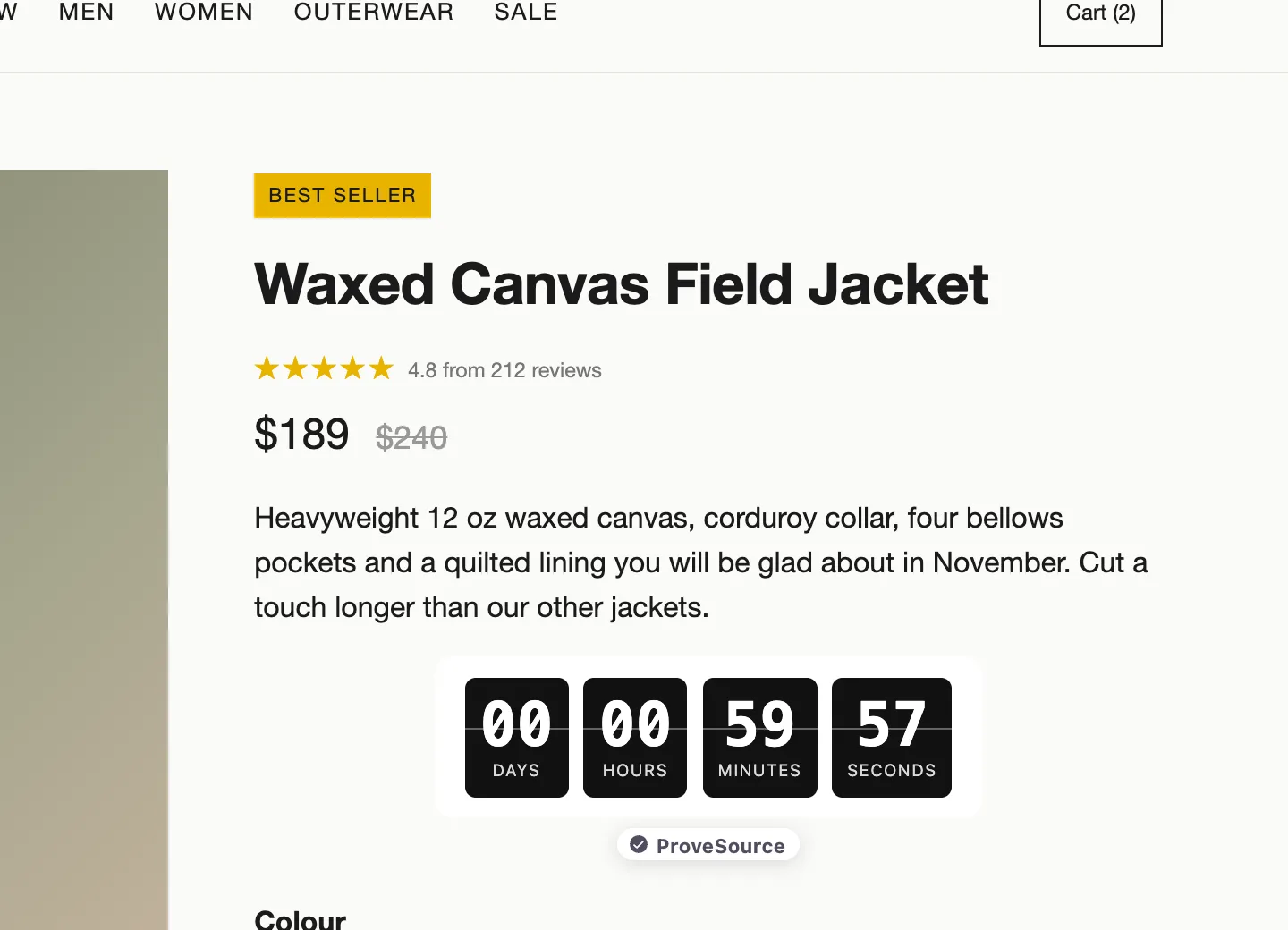
Fixed Date or Evergreen
Count down to one moment for everyone, or give each visitor their own deadline from their first visit.
- The same deadline for everyone, wherever they are
- An evergreen clock doesn't reset on reload
- Unit labels in any language
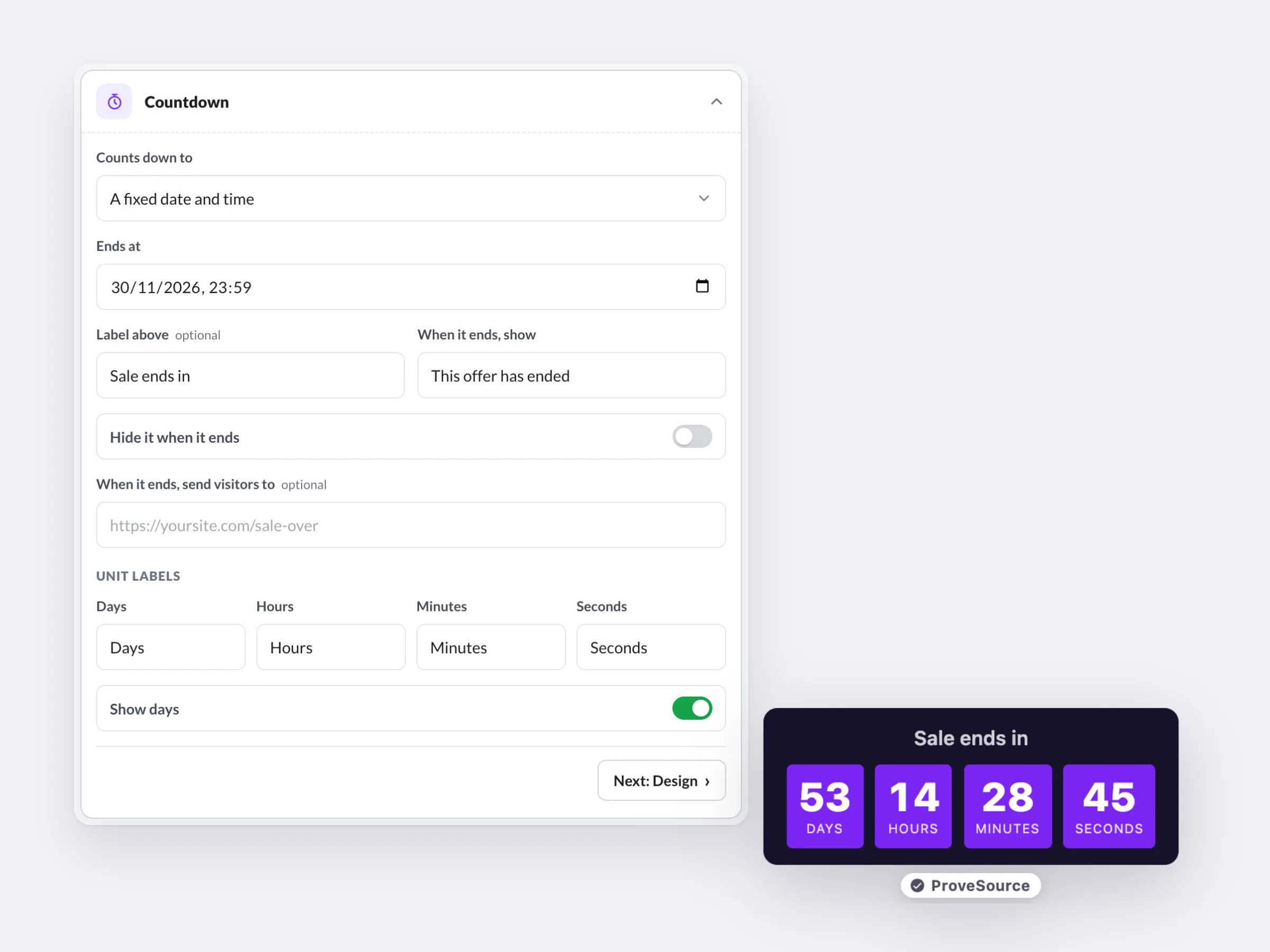
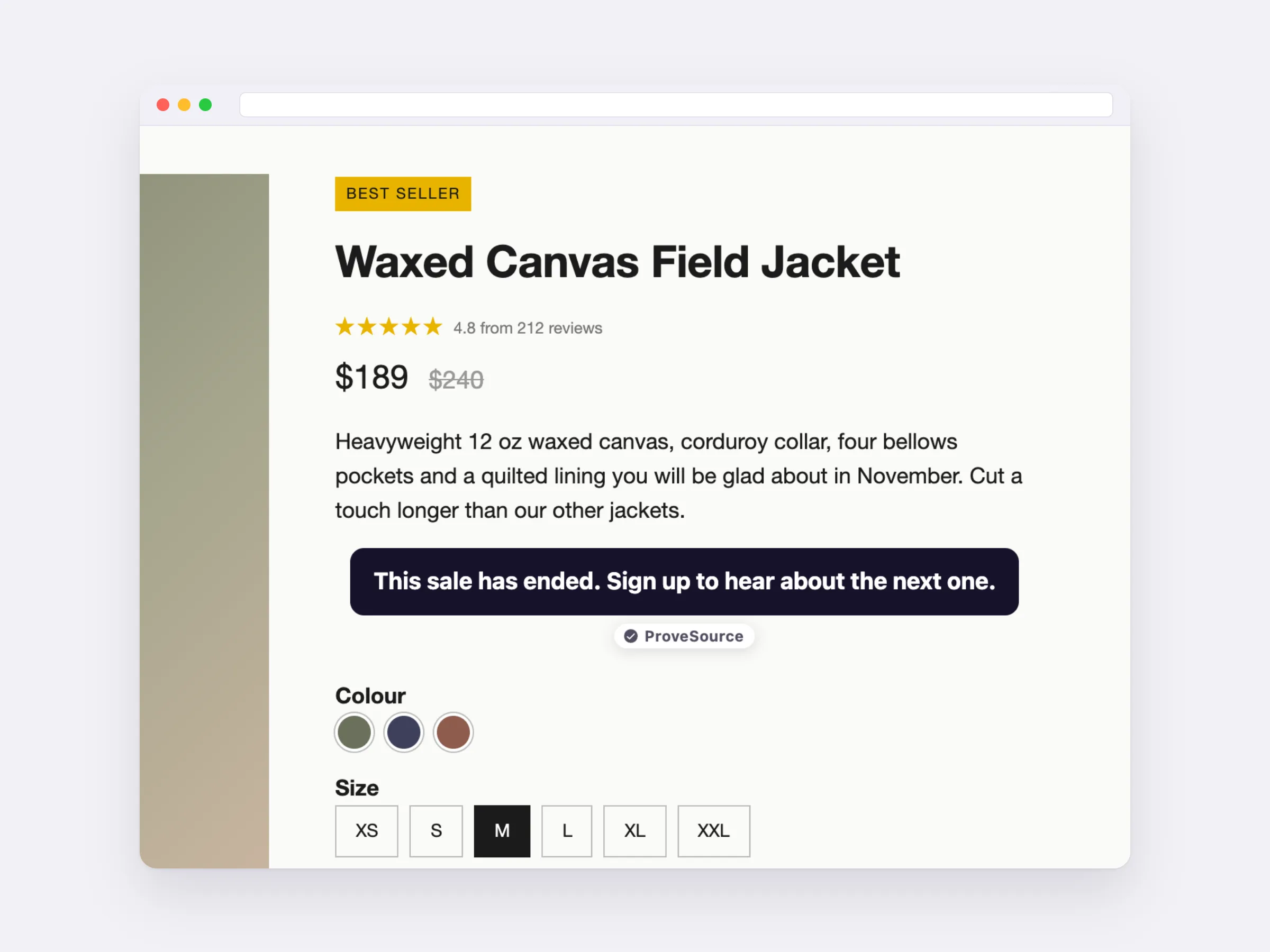
Decide What Happens at Zero
When the clock runs out, the offer ends too: show your message, hide the timer, or send visitors to another page.
- No fake deadlines that start over
- Your words in place of the clock
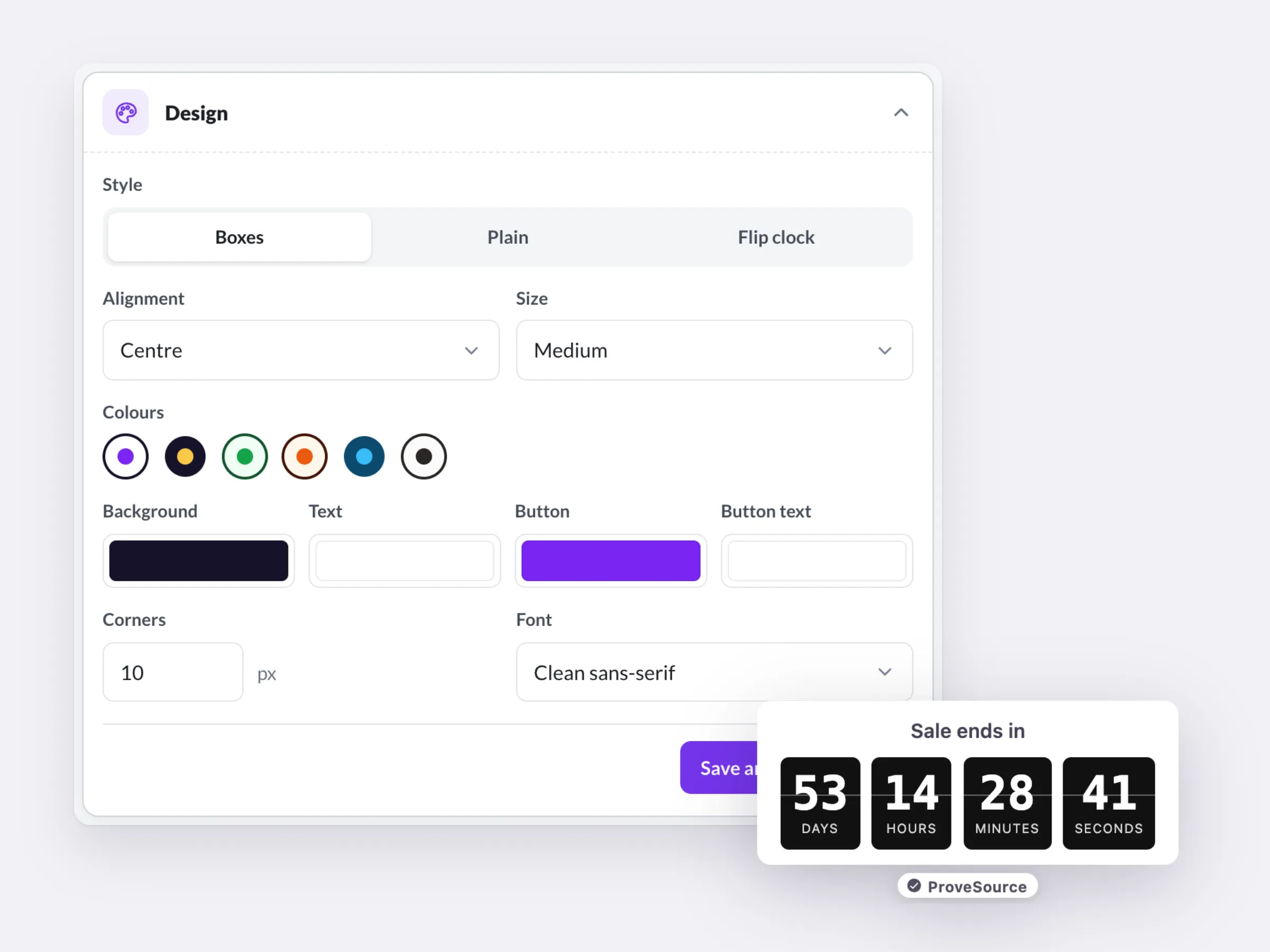
Your Style, Next to the Price
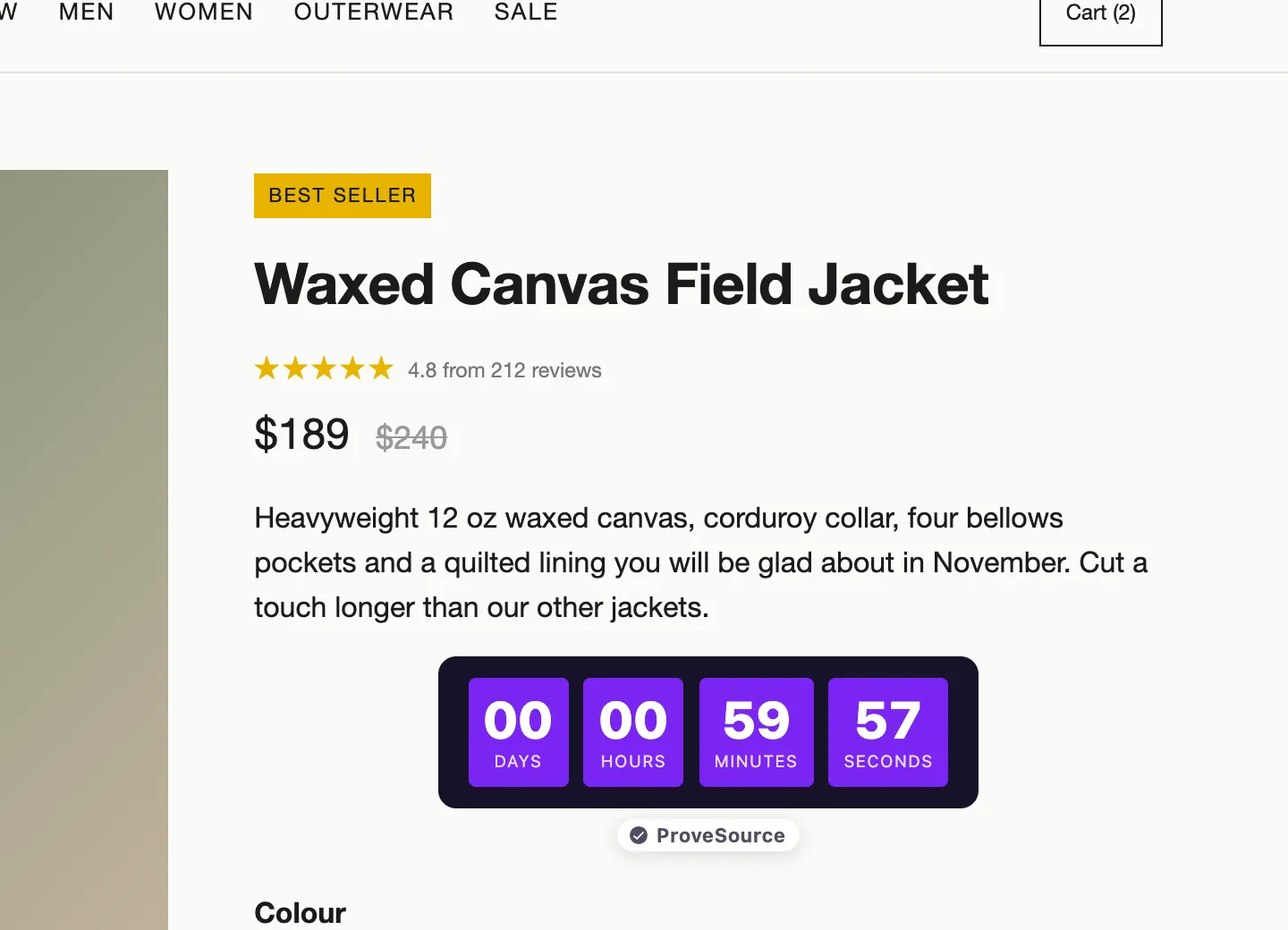
Boxes, plain digits or a flip clock in your colors, drawn inside the page right where you put it.
- Matches your brand colors
- Hide the days for short countdowns
Free forever plan. No credit card.
Real Urgency, No Fake Clocks
Set start and end dates, and target pages, devices and countries.
New date? Update it in your dashboard. The site follows.
See how many people saw the timer each day, with events in GA4 and the Meta pixel.
Works on Any Website
One line places the timer next to a price or a button. On WordPress, a block does it.
 HTML / JavaScript
 Google Tag Manager
 Shopify
 WordPress
 Wix
Wix Squarespace
 Webflow
 Framer
Free Forever. Upgrade When You Grow.

Free
$0/forever- 3 widgets
- 1,000 views a month
- Every feature, unlimited leads
- 3 AI credits a month
- Small ProveSource badge

Pro
$24/month- Unlimited widgets and views
- No badge
- 30 AI credits a month
- Or $195 a year, 2 months free
Frequently Asked Questions
What is a countdown timer for a website?
A clock on your page that counts down to a deadline, like the end of a sale or a launch, so visitors can see how long the offer lasts.
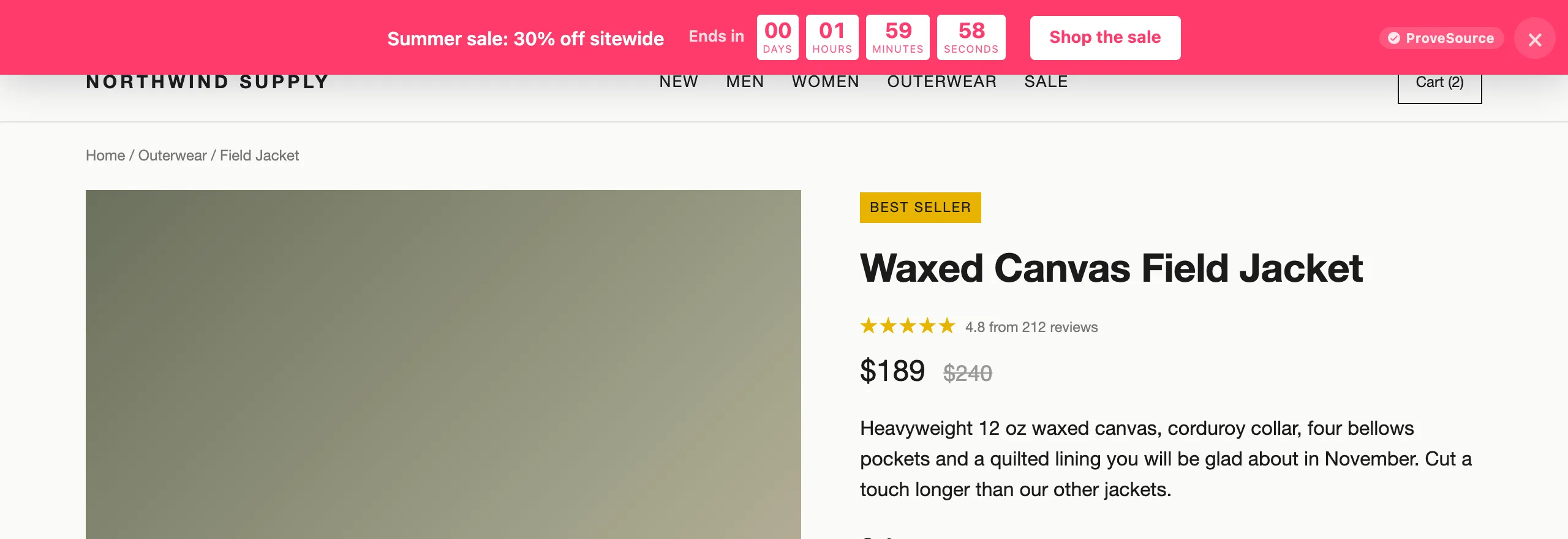
Countdown timer or countdown bar?
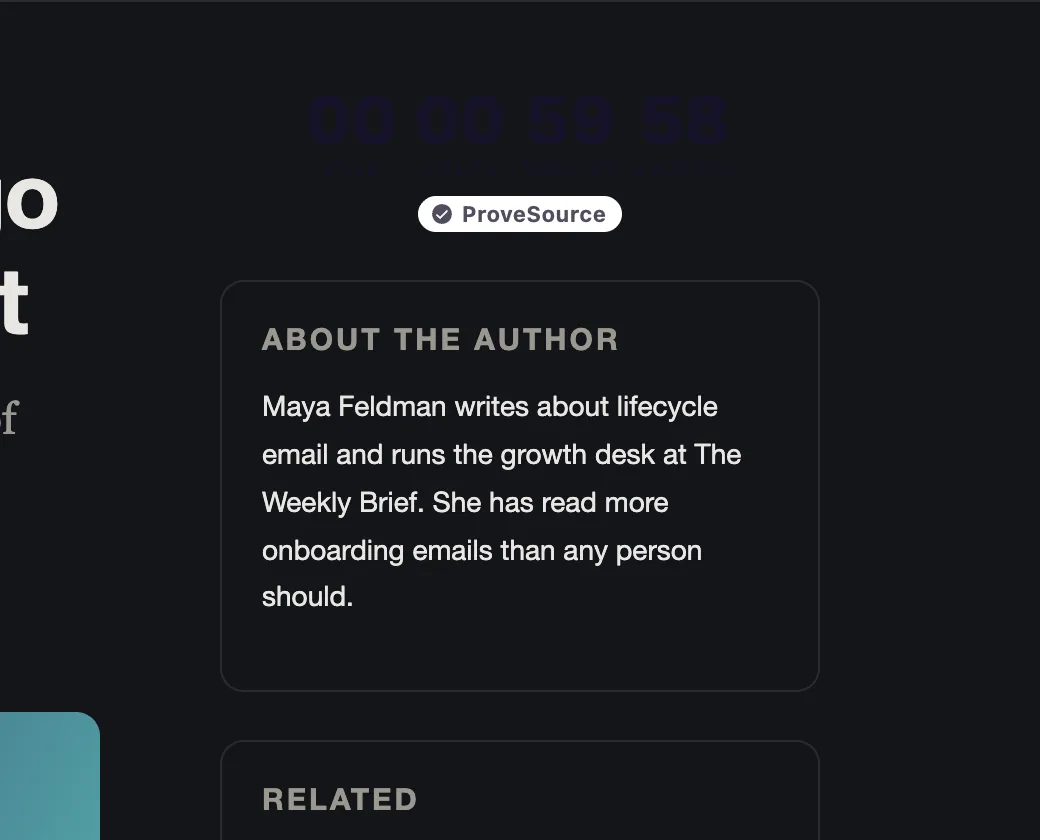
A timer sits inside the page where you place it, next to a price or a button. A countdown bar runs across the top of every page. Use the bar for a sitewide sale and the timer for one product or page.
What is an evergreen countdown?
A timer that starts when each visitor first arrives, instead of counting to a fixed date. Set 15 minutes and everyone gets their own 15 minutes. A reload doesn't reset it.
Can it count to a fixed date?
Yes. Everyone sees the same countdown, in their own time zone. At zero it shows your message, hides itself, or sends the visitor to a page you choose.
Where does the timer appear?
Inside your page, wherever you place the code: next to a price, above a buy button, in a sidebar. Need it in a popup or a top bar? Those have a countdown built in too.
Can I add a countdown timer to an email?
No. Boost timers run on your website. Email apps don't run scripts, so a countdown inside an email has to be an animated image from an email tool. Link from the email to a page with a fixed-date Boost timer and the clock there matches.
Can the same timer show on several pages?
Yes. Place the timer's code on as many pages as you like, or put the countdown in an announcement bar to show it across the whole site.
Is it really free?
Yes. The free plan includes 3 widgets and 1,000 views a month with every feature and unlimited leads, and shows a small ProveSource badge. Pro is $24 a month or $195 a year for unlimited widgets and views, with no badge.
Do I need a developer?
No. You paste one line of code, the same on every platform. Your dashboard has step-by-step instructions for Shopify, WordPress, Wix, Squarespace, Webflow, Framer and Google Tag Manager.
Will it slow down my site?
No. The script loads asynchronously from a CDN after your page renders. Widgets draw in an isolated layer, so your theme's CSS can't break them and theirs can't touch your site.
Can I edit it after it's live?
Yes. The tag only carries your widget ID. Save a change in your free dashboard and your site shows it on the next page view. You never touch the code again.
Put a Real Deadline on Your Next Sale
Pick a date or an evergreen window, place the timer, and let the clock make the case.
Get My Free TimerFree forever plan. No credit card. Live in 2 minutes.
Pair the Deadline With Proof
ProveSource shows real people buying while your clock runs down, so visitors act before it hits zero. Free to start, too.
See ProveSource Social ProofMore Free Conversion Widgets
See All Boost Widgets →- Popup GeneratorEmail, discount and exit-intent popups
- Spin to WinWheels, scratch cards and gift boxes
- Announcement BarFree shipping and sale bars
- WhatsApp ButtonChat, call or book in one tap
- Black Friday KitBanners, popups and timers for the sale
- AI Widget BuilderQuizzes, calculators and forms from a description