
Free Black Friday Popups, Banners & Countdown Timers
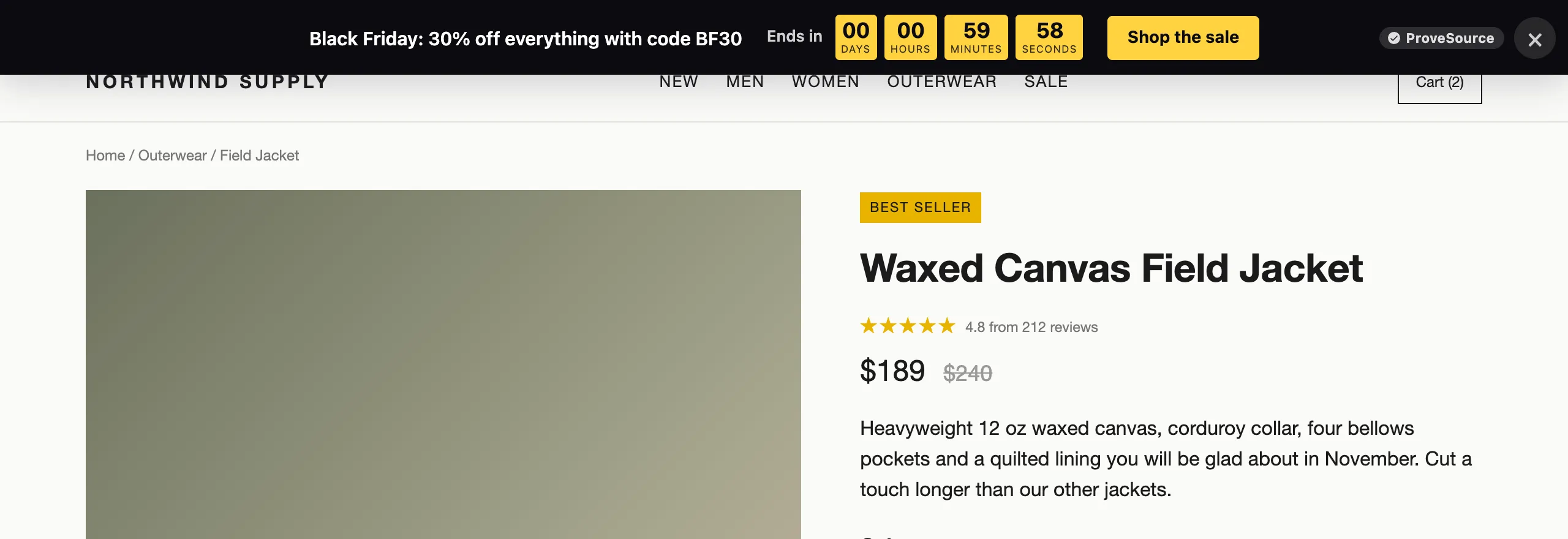
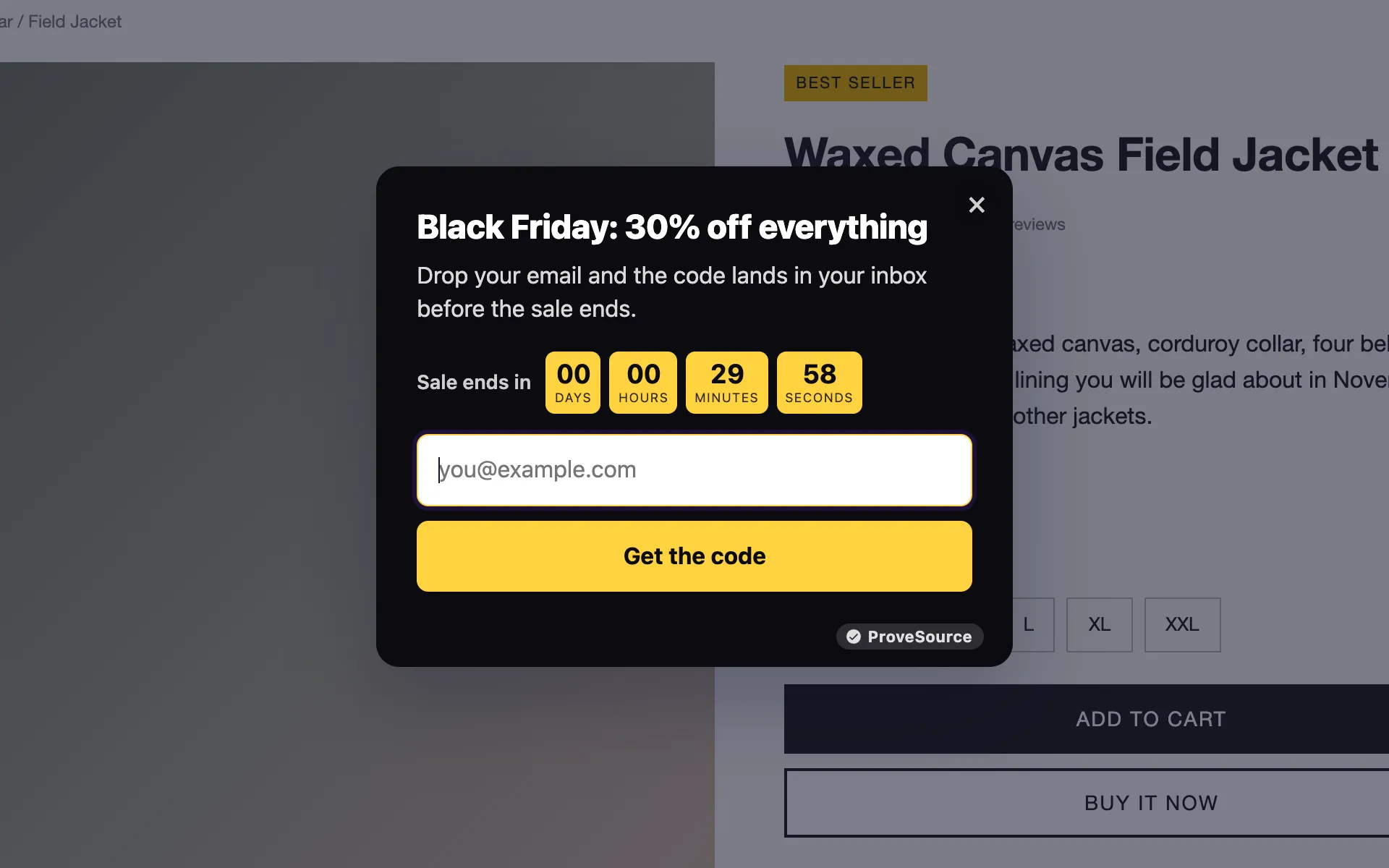
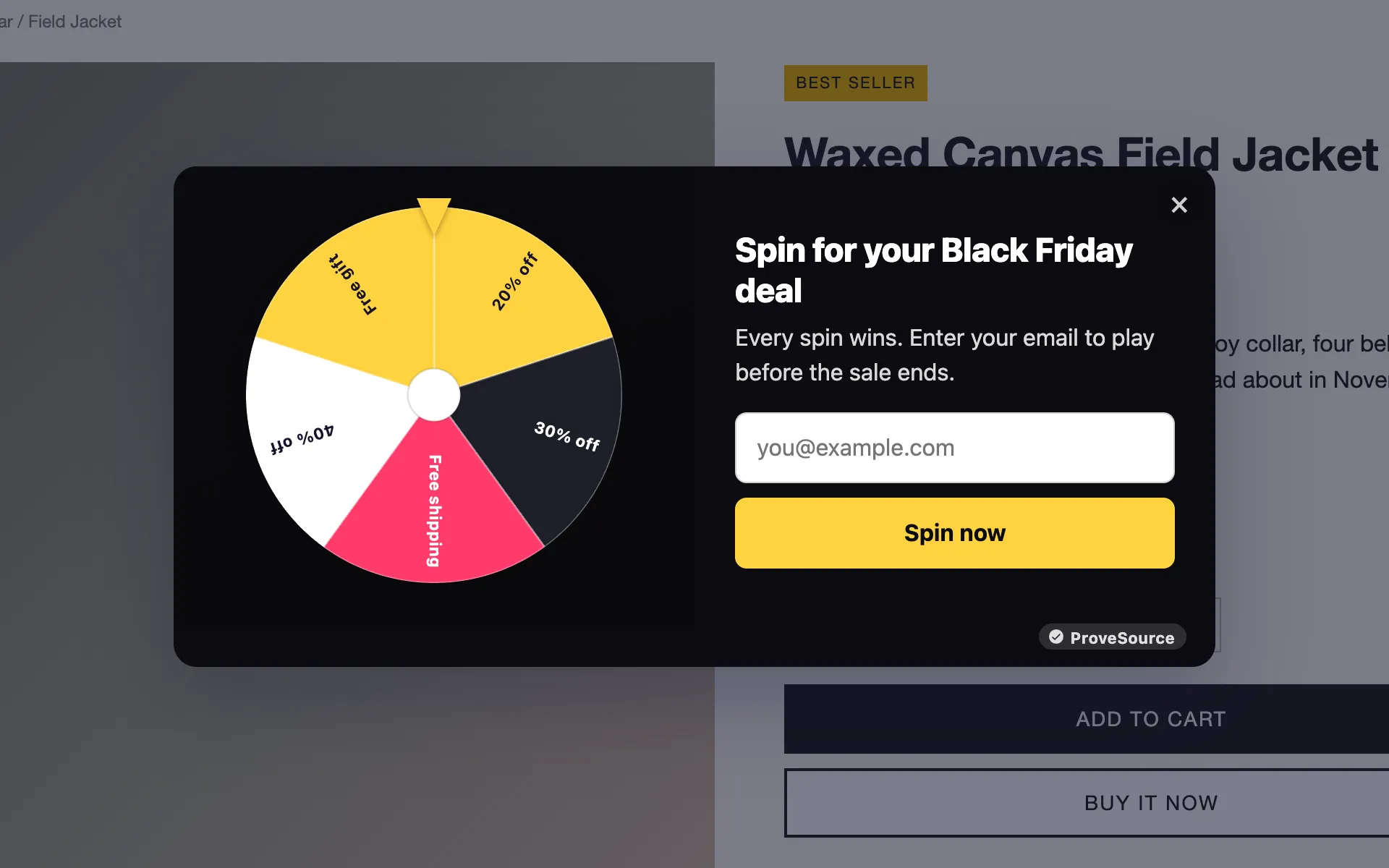
Launch your Black Friday offer in minutes: a sale banner with a countdown, an email popup, a spin to win wheel. Schedule it now, it goes live on the day. Free forever, no credit card.
- Free forever plan
- No credit card
- Live in 2 minutes
- Works on any website
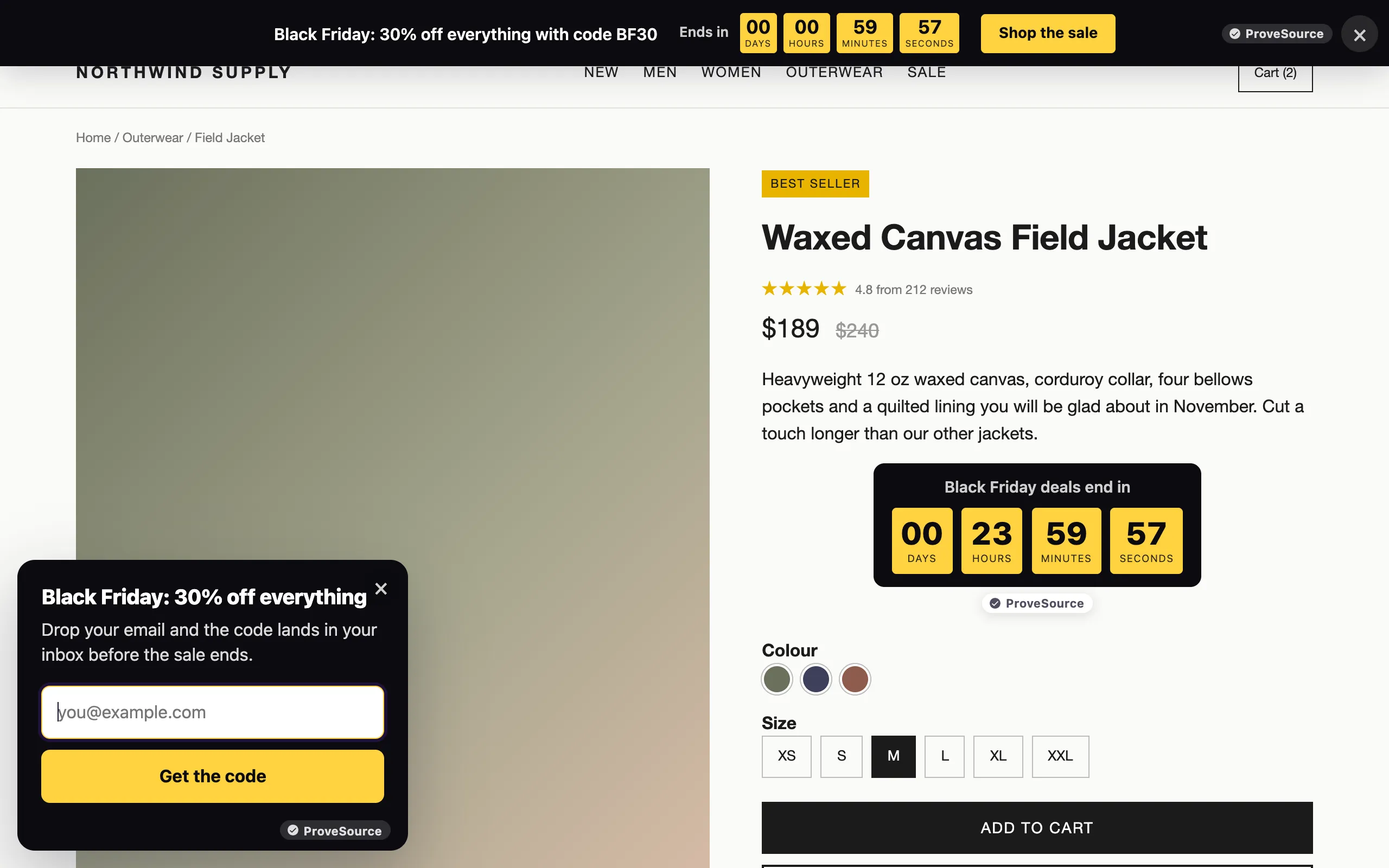
Launch Your Black Friday Popup in 3 Steps
- Sign Up FreeEnter your email or use Google. No password, no credit card.
- Design ItStart from the Black Friday template, add your offer, your code and your end date.
- Paste It & Go LiveAdd one line to your site. It's live on the next page view.
Sign up with your email or Google. No password, no credit card.
Your Complete Black Friday Kit
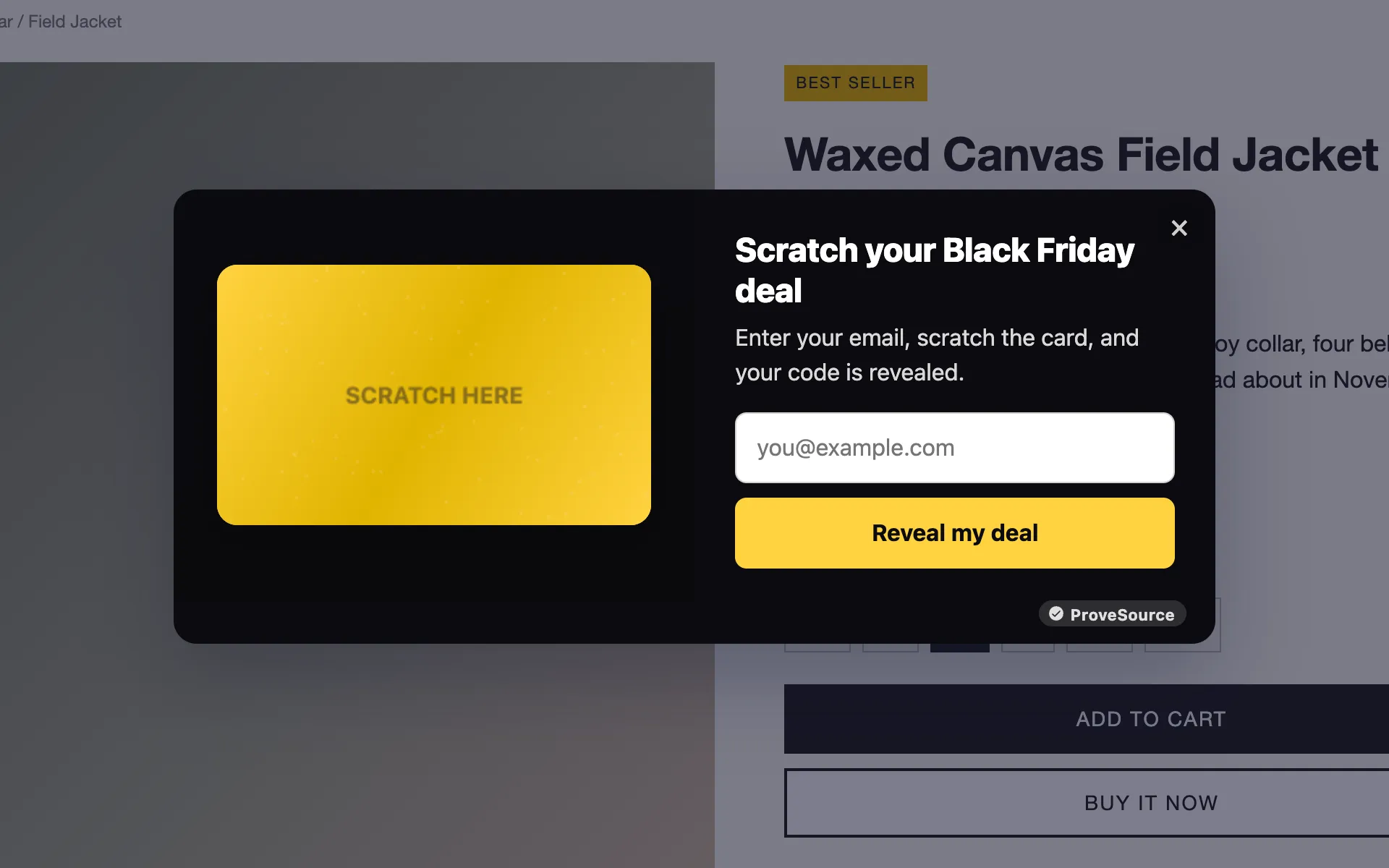
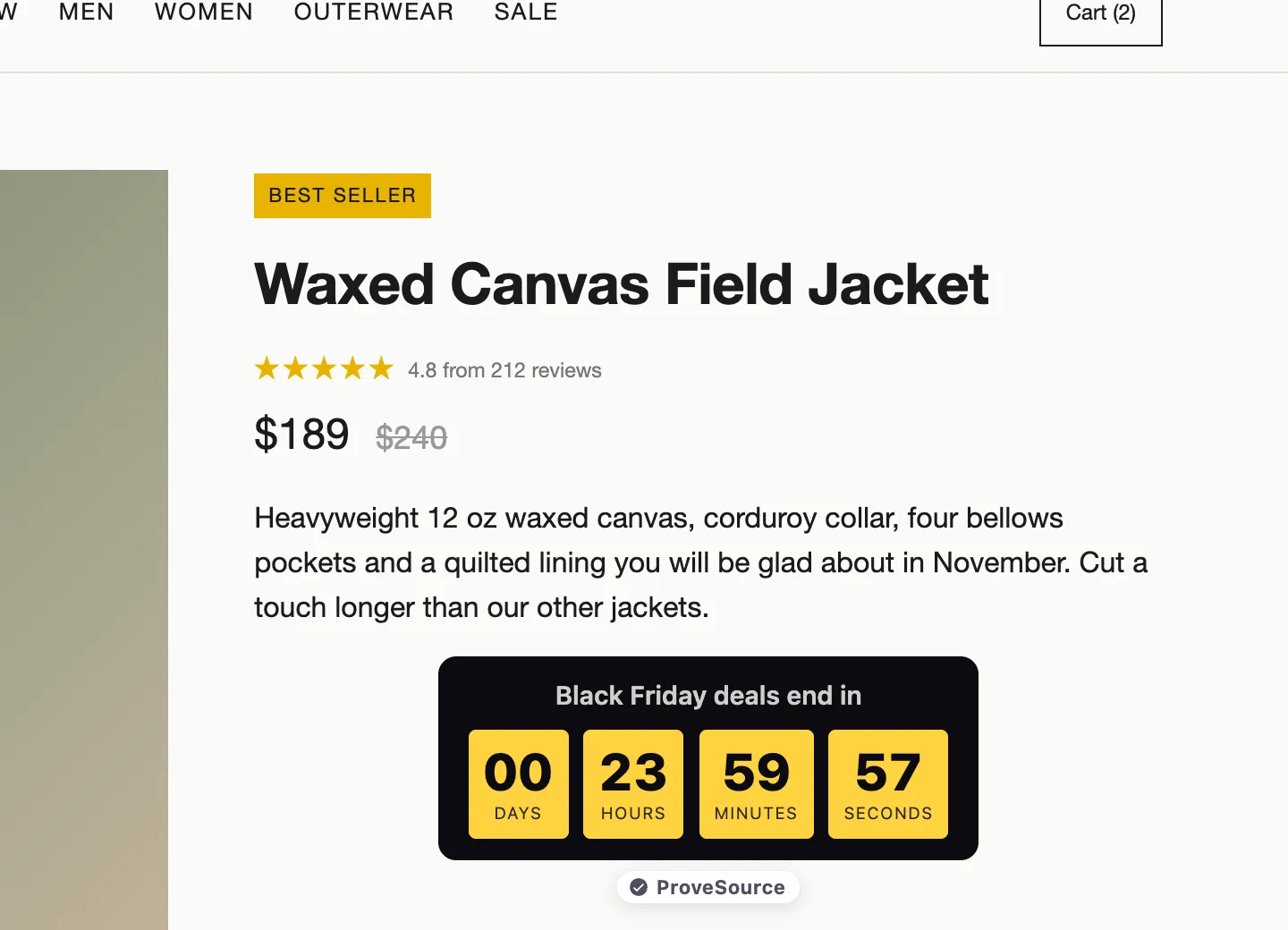
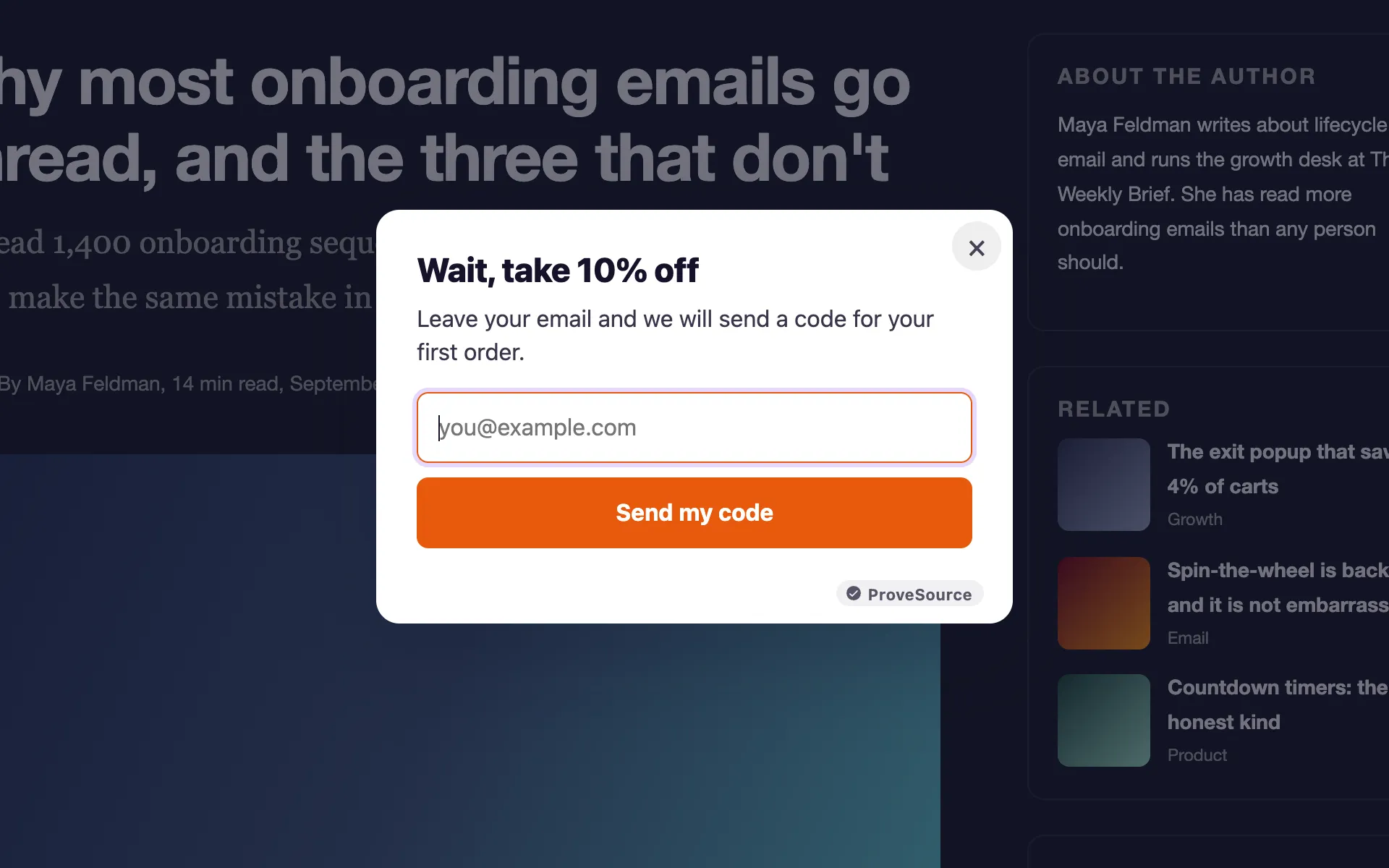
Every widget has a Black Friday template. Use one or run them all.
Your Black Friday Game Plan
- Early NovemberBuild Your List Before the Rush
Run an early-access popup. Subscribers get the deal first, so you start Black Friday with a list ready to buy.
- Week of November 23Announce the Sale Everywhere
A banner with a live countdown on every page, and a timer next to your prices.
- Black Friday, November 27Turn Browsing Into a Game
A spin to win wheel or scratch card gives every visitor a deal they feel they won.
- Cyber Monday, November 30Catch Last-Minute Buyers
An exit-intent popup with a final offer, right before they close the tab.
- After the SaleEverything Switches Itself Off
Set an end date on each widget. No leftover banners promising expired deals.
Your Black Friday, Set Up Once
Build the whole kit now, and let it run itself through Cyber Monday.
Every Black Friday Widget in One Place
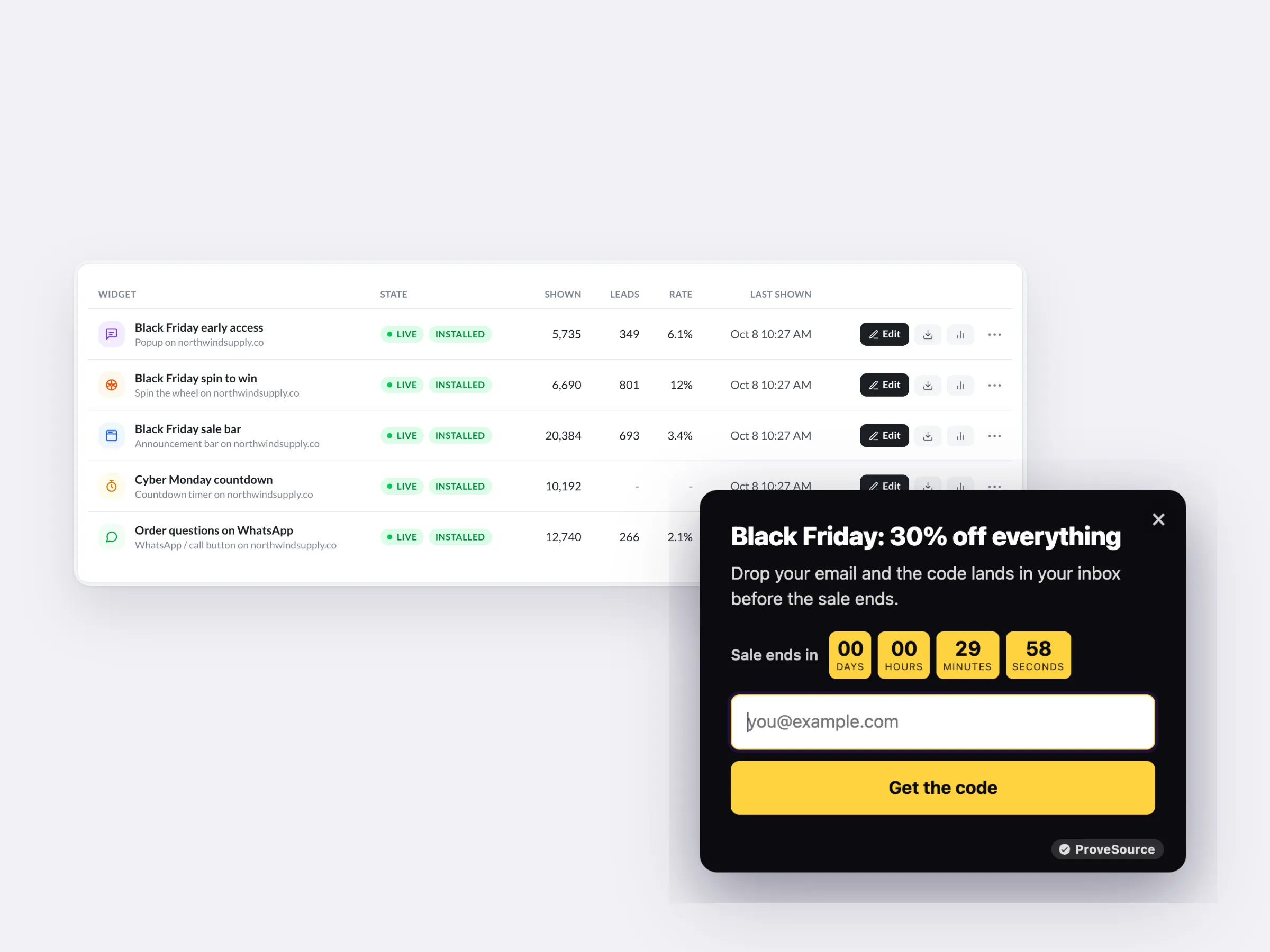
The sale bar, the early-access popup, the game and the countdown, side by side with their numbers.
- Views, leads and rate for each one
- Duplicate them next year and change the dates
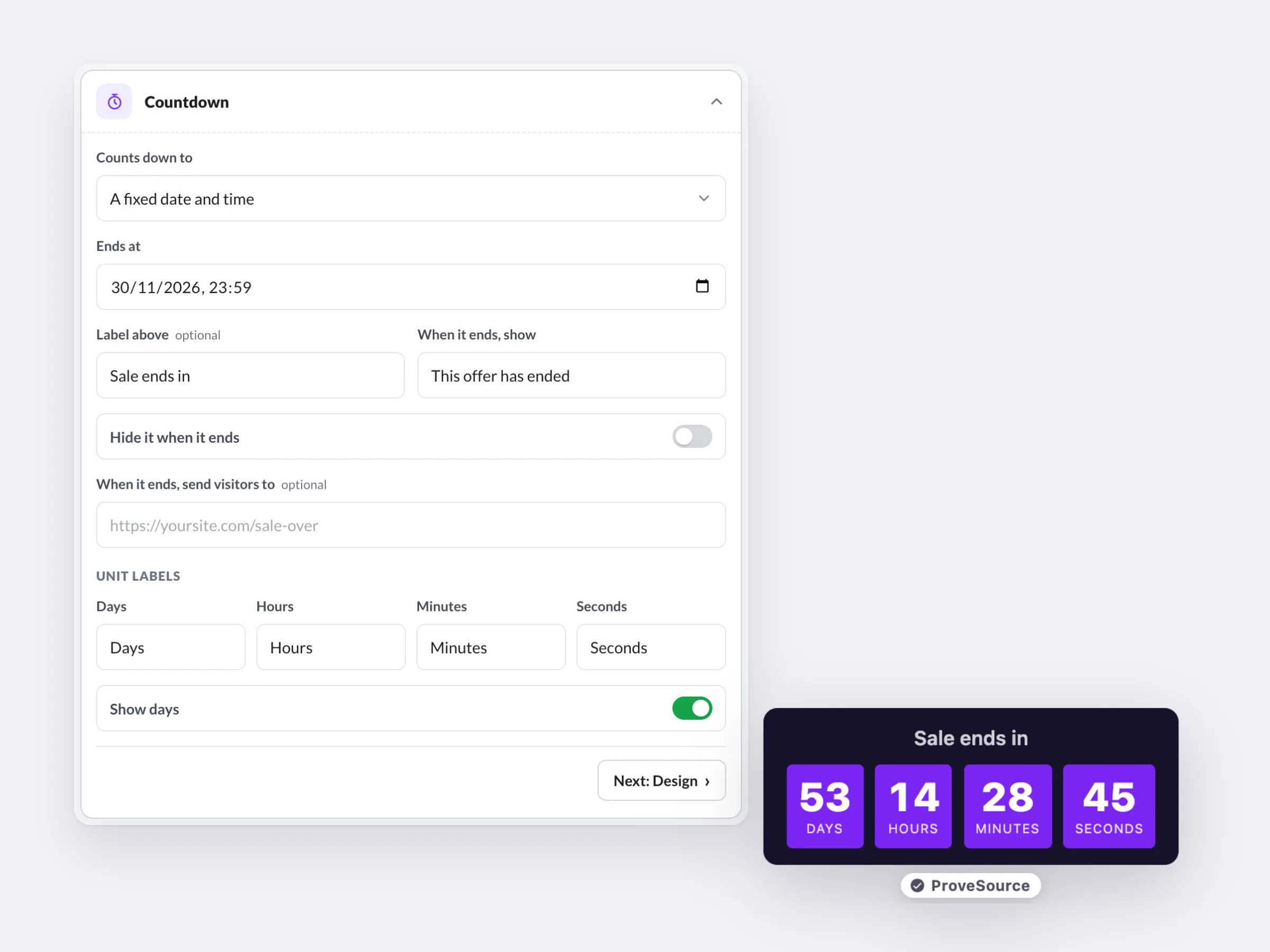
A Deadline That Ends on Time
Count down to the real end of the sale and choose what shows at zero.
- One end time for every shopper, wherever they are
- Start and end dates on every widget, so nothing outlives the sale
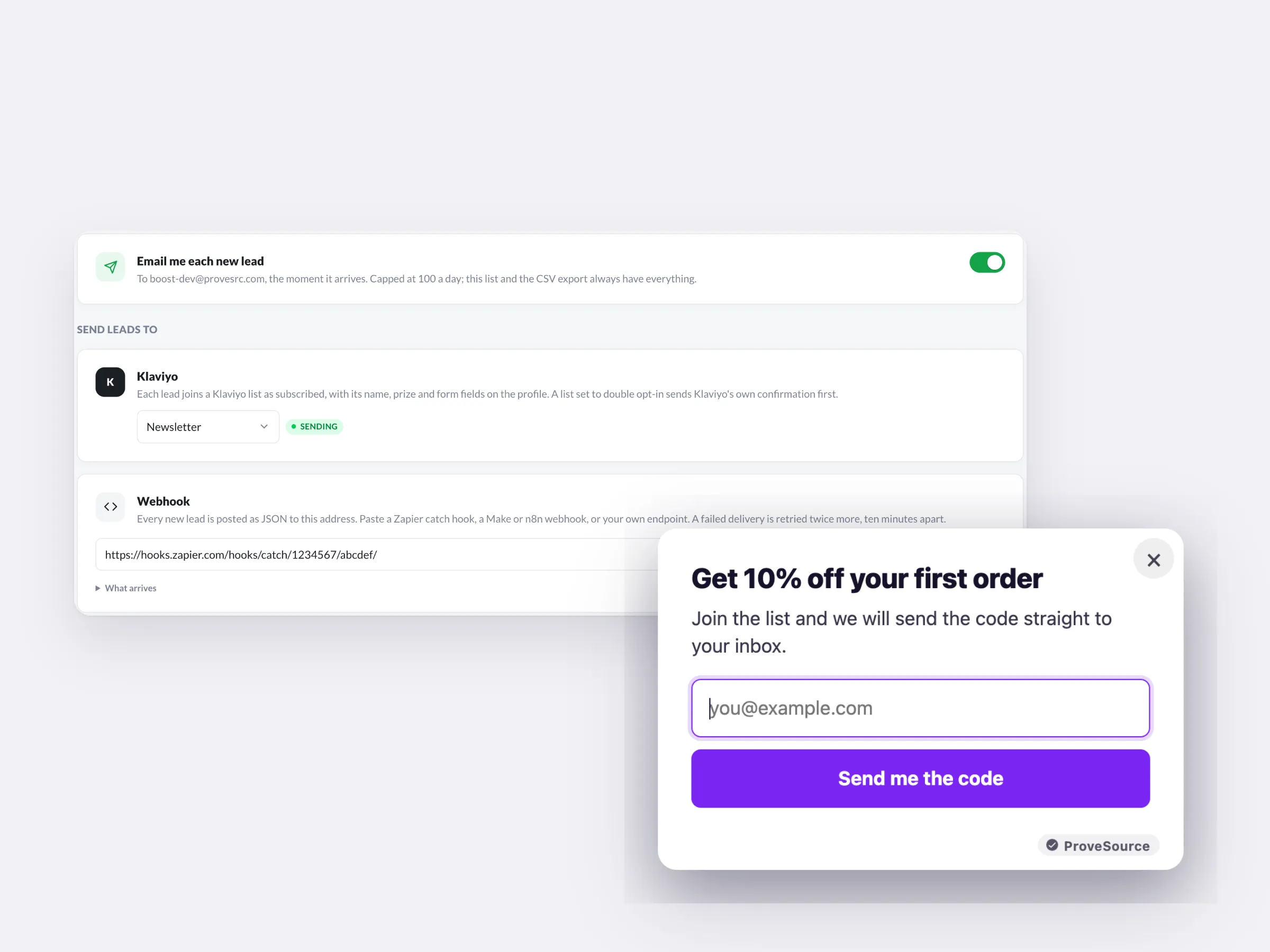
Turn Sale Traffic Into a List
Every email from the sale goes to Klaviyo or your own tools the moment it arrives, ready for your next campaign.
- An email for each new lead
- Webhooks for Zapier, Make or n8n
Free forever plan. No credit card.
Built for the Busiest Week of the Year
On Shopify, discount codes can go straight to checkout.
Show offers to leaving visitors, new visitors, or only on sale pages.
Views, leads and clicks per widget, plus events in GA4 and the Meta pixel.
Works on Any Website
One line of code on any platform. On WordPress, the free plugin needs none.
 HTML / JavaScript
 Google Tag Manager
 Shopify
 WordPress
 Wix
Wix Squarespace
 Webflow
 Framer
Free Forever. Upgrade When You Grow.

Free
$0/forever- 3 widgets
- 1,000 views a month
- Every feature, unlimited leads
- 3 AI credits a month
- Small ProveSource badge

Pro
$24/month- Unlimited widgets and views
- No badge
- 30 AI credits a month
- Or $195 a year, 2 months free
Frequently Asked Questions
What is a Black Friday popup?
A popup built for the sale: it announces the offer, counts down to the end, and often trades the deal for an email so you can reach the shopper again.
Do I need a popup, a bar and a timer?
No. One sale bar with a countdown covers most stores. Add an email popup if you want a list for next time, and a timer by the price on your best sellers.
When is Black Friday 2026?
Friday, November 27, 2026. Cyber Monday is Monday, November 30. Most stores start teasing deals in early November.
Can I schedule my Black Friday widgets?
Yes. Set a start and end date on any widget and it switches itself on and off. Build everything now and it goes live on the day.
Can the countdown end at an exact time?
Yes. Pick the date and time, like midnight on November 30, and every visitor sees the same countdown. At zero it can show a message, hide itself or send visitors to a page.
Will my Black Friday discount codes work on Shopify?
Yes. Add the code you created in Shopify. It shows after signup with a copy button, and can apply itself at checkout.
Is the free plan enough for Black Friday?
For a small store it can be: 3 widgets and 1,000 views a month. Busy stores pass 1,000 views quickly in November. Pro is $24 a month with unlimited widgets and views, billed monthly, so you can cancel after the sale.
Can I reuse my widgets next year?
Yes. Duplicate any widget, change the dates and the code, and it is ready. Archived widgets don't count toward the free plan's three.
Is it really free?
Yes. The free plan includes 3 widgets and 1,000 views a month with every feature and unlimited leads, and shows a small ProveSource badge. Pro is $24 a month or $195 a year for unlimited widgets and views, with no badge.
Do I need a developer?
No. You paste one line of code, the same on every platform. Your dashboard has step-by-step instructions for Shopify, WordPress, Wix, Squarespace, Webflow, Framer and Google Tag Manager.
Will it slow down my site?
No. The script loads asynchronously from a CDN after your page renders. Widgets draw in an isolated layer, so your theme's CSS can't break them and theirs can't touch your site.
Can I edit it after it's live?
Yes. The tag only carries your widget ID. Save a change in your free dashboard and your site shows it on the next page view. You never touch the code again.
Get Your Black Friday Kit Ready Now
Build the bar, the popup and the countdown today, schedule them, and they go live on November 27.
Get My Free Black Friday PopupFree forever plan. No credit card. Live in 2 minutes.
Show Shoppers Everyone Else Is Buying
ProveSource shows live notifications of real Black Friday purchases, the push that turns a deal into an order. Free to start, too.
See ProveSource Social ProofMore Free Conversion Widgets
See All Boost Widgets →- Popup GeneratorEmail, discount and exit-intent popups
- Spin to WinWheels, scratch cards and gift boxes
- Announcement BarFree shipping and sale bars
- Countdown TimerFixed-date or evergreen deadlines
- WhatsApp ButtonChat, call or book in one tap
- AI Widget BuilderQuizzes, calculators and forms from a description