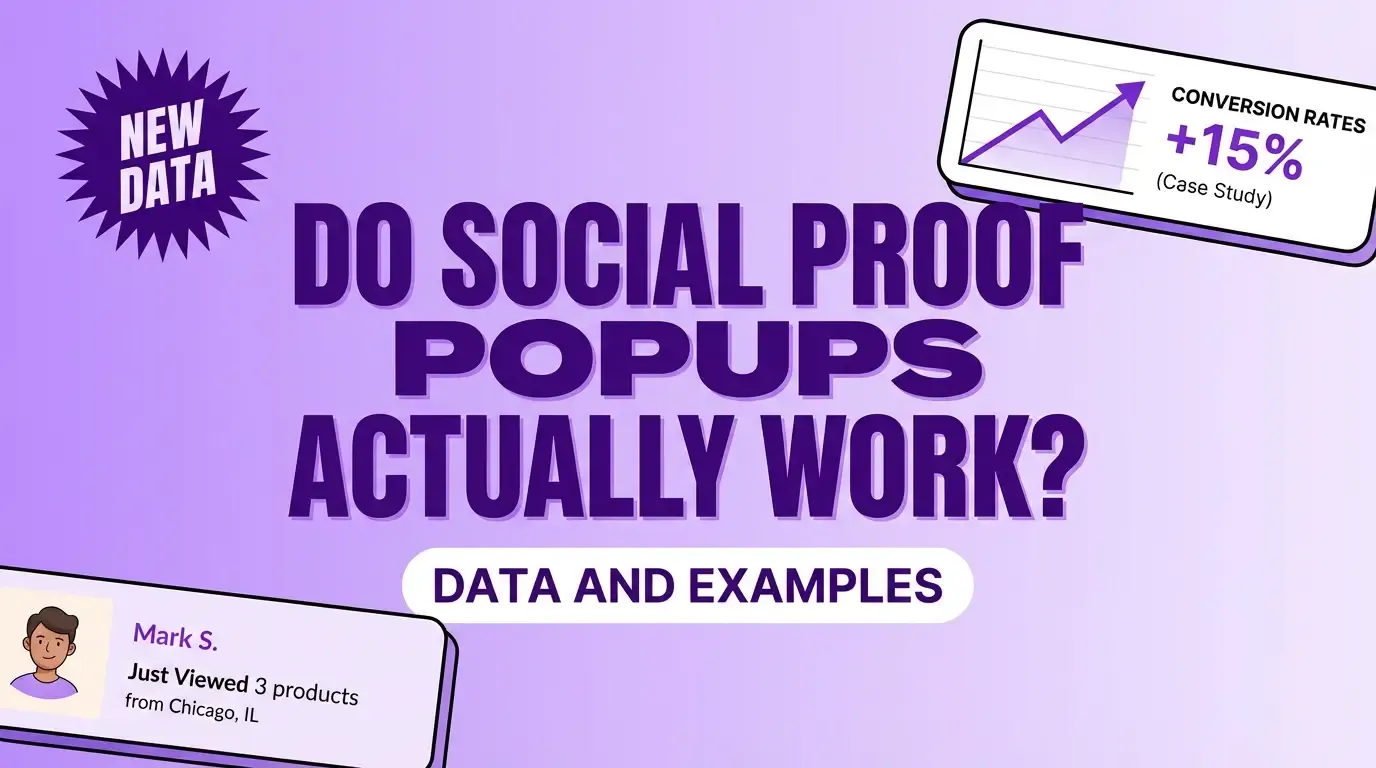
Do Social Proof Popups Actually Work? Data and Examples

In this article
- What is a social proof popup
- Do social proof popups increase conversions
- Why social proof popups work
- 6 Types of social proof popups that drive results
- Social proof popup examples that convert
- 5 Best practices for social proof popup design
- Where to display social proof popups on your site
- Social proof popup mistakes that kill conversions
- Start getting more conversions with social proof popups
- FAQs about social proof popups
You’ve seen them—those little corner notifications saying “Sarah from Austin just bought…” while you’re browsing a product page. Maybe you’ve wondered whether they actually influence anyone, or if they’re just digital noise.
The short answer: social proof popups can lift conversion rates by 15% or more when done right. Poorly implemented ones can actively hurt your credibility. Below, we’ll break down the psychology behind why they work, the six popup types that drive results, and the mistakes that kill conversions.
What is a social proof popup
A social proof popup is a small notification that appears on your website showing real visitor or customer activity. You’ve probably seen them—those little corner messages saying “Sarah from Austin just purchased…” or “43 people are viewing this page.”
The concept borrows from an offline experience we all recognize. Think about walking past two restaurants: one empty, one with a line out the door.
Most people gravitate toward the busy one, even without knowing anything about the food. Social proof popups recreate that same signal online.
Common types of activity displayed in social proof popups include:
- Recent purchases: Individual buyer notifications in real-time
- Signup activity: How many people joined recently
- Live visitor counts: Current viewers on a page
- Customer reviews: Star ratings pulled from Google or Trustpilot
- Follower counts: Social media subscriber numbers
Do social proof popups increase conversions
Yes—social proof popups can increase conversion rates by up to 15%, with some ecommerce stores reporting sales lifts over 30%. The mechanism is straightforward: visitors see that real people are buying, signing up, or browsing, and that activity reduces their hesitation.
But here’s the catch. Effectiveness depends entirely on implementation.
Popups showing fake data, appearing too frequently, or displaying irrelevant information can actually hurt conversions. Visitors often sense when something feels manufactured, and trust disappears fast.
Social proof popups tend to perform best when:
- The data is authentic: Real activity from real customers
- Placement matches intent: High-consideration pages like product or checkout
- Timing feels natural: Not immediately on page load, and not every few seconds
- Content is relevant: Purchase notifications on product pages, not blog posts
Why social proof popups work
The psychology behind social proof popups connects to how humans naturally make decisions. We look to others when we’re uncertain, and we trust what other people already trust.
Social proof popups build trust instantly
First-time visitors don’t know you. They’re skeptical by default—and rightfully so.
Seeing that other people have already purchased or signed up reduces perceived risk. It’s the digital version of a friend saying, “I tried this. It’s good.” That third-party validation carries more weight than anything you could say about yourself.
Social proof popups create urgency through FOMO
FOMO—fear of missing out—is a real psychological driver, with peer-reviewed research confirming FOMO strongly correlates with notification sensitivity. When visitors see “12 people bought this in the last hour,” they start wondering whether waiting means missing an opportunity.
Real-time notifications create a sense that activity is happening now, and that hesitation has a cost.
Social proof popups leverage the bandwagon effect
The bandwagon effect describes our tendency to follow the crowd. If hundreds of people signed up this week, the offer probably has merit—or so our brains assume.
Aggregate activity popups tap directly into this instinct—what’s known as the wisdom of the crowd. Large numbers signal that joining is the normal, expected behavior.
6 Types of social proof popups that drive results
Different popup types serve different purposes. The key is matching the right type to your specific goal and page context.
Recent purchase notifications
Recent purchase popups show individual transactions as they happen: “John from Denver just bought the Pro Plan.”
On product pages where visitors are weighing options, seeing someone else commit can tip the decision. The specificity—real names, real locations, real products—makes the activity feel genuine.
Live visitor counters
A simple counter showing how many people are currently viewing a page creates immediate social validation.
High numbers signal popularity. Even modest numbers suggest the page is active and worth paying attention to.
Aggregate activity popups
Instead of individual actions, aggregate popups display cumulative totals: “324 people signed up this week.”
Landing pages benefit from this approach because visitors often arrive without context. Large numbers establish credibility quickly.
Review and rating popups
Pulling star ratings or short review snippets from Google, Facebook, or Trustpilot adds third-party validation you can’t manufacture yourself. This matters: 92% of consumers hesitate without reviews.
For service businesses and reputation-driven brands, review popups often outperform purchase notifications.
Informational trust messages
Not all social proof involves customer activity. Informational popups highlight guarantees, shipping policies, or security badges.
Near checkout, where hesitation peaks, trust messages address specific concerns that might otherwise cause abandonment.
Social media follower counters
Displaying follower or subscriber counts establishes brand authority and community size.
Large numbers signal that your brand is established. Smaller but growing numbers can still demonstrate momentum.
| Popup Type | What It Displays | Best Use Case |
|---|---|---|
| Recent purchases | Individual buyer activity | Product pages |
| Live visitors | Real-time viewer count | High-traffic pages |
| Aggregate activity | Cumulative actions over time | Landing pages |
| Reviews | Star ratings and testimonials | Service pages |
| Informational | Guarantees and trust signals | Checkout pages |
| Social counters | Follower/subscriber counts | Homepage |
Social proof popup examples that convert
Real examples clarify what works in practice better than theory alone.
FOMO and urgency examples
Live purchase notifications showing “Emma from Chicago just bought…” create urgency on product pages. Low-stock alerts amplify the effect by adding scarcity.
The combination of social validation and limited availability triggers faster decisions.
Trust and credibility examples
Review popups displaying 5-star ratings and short testimonials reduce doubt for first-time visitors. Media mention notifications (“As seen in Forbes”) add another credibility layer.
Higher-priced items and services benefit most from trust-focused popups because the stakes feel higher to buyers.
Crowd wisdom and popularity examples
Visitor counters showing “89 people are viewing this right now” signal that you’re in the right place. Subscriber milestone popups (“Join 50,000+ subscribers”) leverage the bandwagon effect.
The underlying message: everyone else is here, so staying makes sense.
5 Best practices for social proof popup design
How you design and deploy popups matters as much as the data itself. Poor implementation can undermine even authentic activity.
1. Use real data from authentic activity
Never fake notifications. Visitors can often tell, and getting caught destroys trust permanently.
Social proof tools like ProveSource pull real activity automatically from your site, so there’s no temptation to manufacture data.
2. Write specific human-sounding copy
Generic messages like “Someone bought something” feel robotic. Specific details—real names, locations, and products—feel authentic.
Compare “John from Denver just purchased the Starter Plan” to “A customer made a purchase.” The first version sounds like a real event. The second sounds like a template.
3. Keep notifications subtle and non-disruptive
Popups that enhance the experience work. Popups that interrupt it backfire.
Small, corner-positioned notifications outperform large, center-screen interruptions. Avoid covering CTAs, forms, or critical content.
4. Time your popups strategically
Don’t hit visitors with a notification the moment they land. Give them a few seconds to orient themselves first.
Frequency matters too. A popup every 10 seconds creates fatigue, not trust. Spacing notifications 30-60 seconds apart typically works better.
5. Match each popup to page context
Purchase notifications belong on product pages. Review popups work on landing pages. Trust messages fit near checkout.
Relevance increases impact. Irrelevant popups confuse visitors and dilute effectiveness.
Where to display social proof popups on your site
Placement affects results. The goal is putting popups where decisions happen.
Product pages
Purchase hesitation lives here. Recent purchase notifications and review popups help visitors feel confident about adding to cart.
Cart and checkout pages
Cart abandonment costs real revenue, with the average rate reaching 70.22% across industries. Low-stock alerts and recent activity notifications can nudge hesitant shoppers to complete their purchase.
Landing pages
First impressions matter. Aggregate stats and testimonials build credibility fast, especially for visitors who don’t know your brand yet.
Pricing pages
Visitors on pricing pages are seriously considering buying. Recent signup notifications validate that others are making the same decision.
Homepage
Live visitor counters and social proof notifications create immediate trust for new visitors exploring your site.
| Page Type | Recommended Popup Types | Goal |
|---|---|---|
| Product pages | Recent purchases, reviews | Reduce purchase hesitation |
| Cart/checkout | Low-stock alerts, recent activity | Reduce abandonment |
| Landing pages | Aggregate stats, testimonials | Build credibility |
| Pricing pages | Recent signups | Validate buying decision |
| Homepage | Live visitors, social counters | Create immediate trust |
Social proof popup mistakes that kill conversions
Poorly implemented social proof can backfire. Avoiding common errors matters as much as following best practices.
Using fake or fabricated notifications
Fake data might seem like a shortcut, but visitors often detect it. Once trust evaporates, it doesn’t come back.
Always use real, verifiable activity. If you don’t have enough activity yet, use aggregate data over longer time periods or informational trust messages instead.
Showing popups too frequently
Notification overload annoys visitors and increases bounce rates.
Set reasonable display intervals—typically no more than one notification every 30-60 seconds.
Overloading mobile screens
Mobile screens have limited space. Popups that work on desktop can overwhelm mobile users.
Test on mobile devices and adjust size and frequency accordingly.
Ignoring page and audience context
Showing signup notifications on a checkout page—or purchase notifications on a blog post—confuses visitors.
Segment notifications by page type and visitor behavior for better results.
Start getting more conversions with social proof popups
Social proof popups work when implemented correctly: real data, strategic placement, thoughtful design, and proper timing.
The psychology is sound. People trust what others trust, and they act when they see others acting. Your role is surfacing that activity in a way that feels authentic and helpful rather than pushy or manufactured.
Getting started doesn’t require coding or complex setup. With ProveSource, you can add social proof to your site in minutes and start testing what works for your audience.
FAQs about social proof popups
Do social proof popups work on websites with low traffic?
Yes, though you may want to use aggregate data over longer time periods—like 30 days instead of 24 hours—to accumulate enough activity. Informational trust messages can also fill the gap until you have more real-time data to display.
How long does it take to see results from social proof popups?
Most websites notice measurable changes within the first few weeks. Results depend on traffic volume, how well popup types match your pages, and whether you’re testing different approaches.
Do social proof popups work effectively on mobile devices?
Yes, when designed responsively. Mobile popups work best when they’re smaller, appear less frequently, and never block key content or navigation elements.
Will website visitors become blind to social proof notifications over time?
Notification fatigue can happen with overuse. Varying popup types, controlling frequency, and keeping content fresh helps maintain effectiveness.
Can social proof popups hurt my brand image if used incorrectly?
Yes. Fake notifications, excessive frequency, or poor design can damage credibility. Authentic data and subtle, on-brand styling protect your reputation.
What is the difference between social proof popups and regular website popups?
Social proof popups display real customer activity and trust signals to build credibility. Regular popups typically promote offers, capture emails, or show announcements unrelated to social validation.