Best landing page builders for Lead Generation

Creating high-converting landing pages is key to generating leads. Here’s a quick comparison of the top tools for building landing pages:
- Landingi: Affordable, beginner-friendly, with 300+ templates and AI tools for suggestions. Pricing starts at $29/month.
- Unbounce: Advanced features like AI copywriting and Smart Traffic for better conversions. Starts at $90/month.
- Leadpages: Simple and cost-effective with real-time optimization tips. Plans begin at $37/month.
- Wishpond: All-in-one platform with automation, pop-ups, and analytics. Starts at $49/month.
- Instapage: Best for enterprises with advanced personalization and analytics. Pricing starts at $199/month.
Quick Comparison
| Platform | Starting Price | Key Features | Best For |
|---|---|---|---|
| Landingi | $29/month | AI tools, 300+ templates | Budget-friendly, ease of use |
| Unbounce | $90/month | AI features, Smart Traffic | Advanced optimization |
| Leadpages | $37/month | Real-time feedback, templates | Simplicity, small businesses |
| Wishpond | $49/month | Automation, pop-ups, contests | Unified campaigns |
| Instapage | $199/month | Personalization, AMP support | Enterprises, scaling efforts |
Each tool offers something unique depending on your goals and budget. For affordable and simple solutions, Landingi or Leadpages are great options. For advanced features, Unbounce or Instapage are better suited. Wishpond is ideal for those seeking an all-in-one marketing platform.
The 8 Best Paid and Free Landing Page Builders
1. Landingi
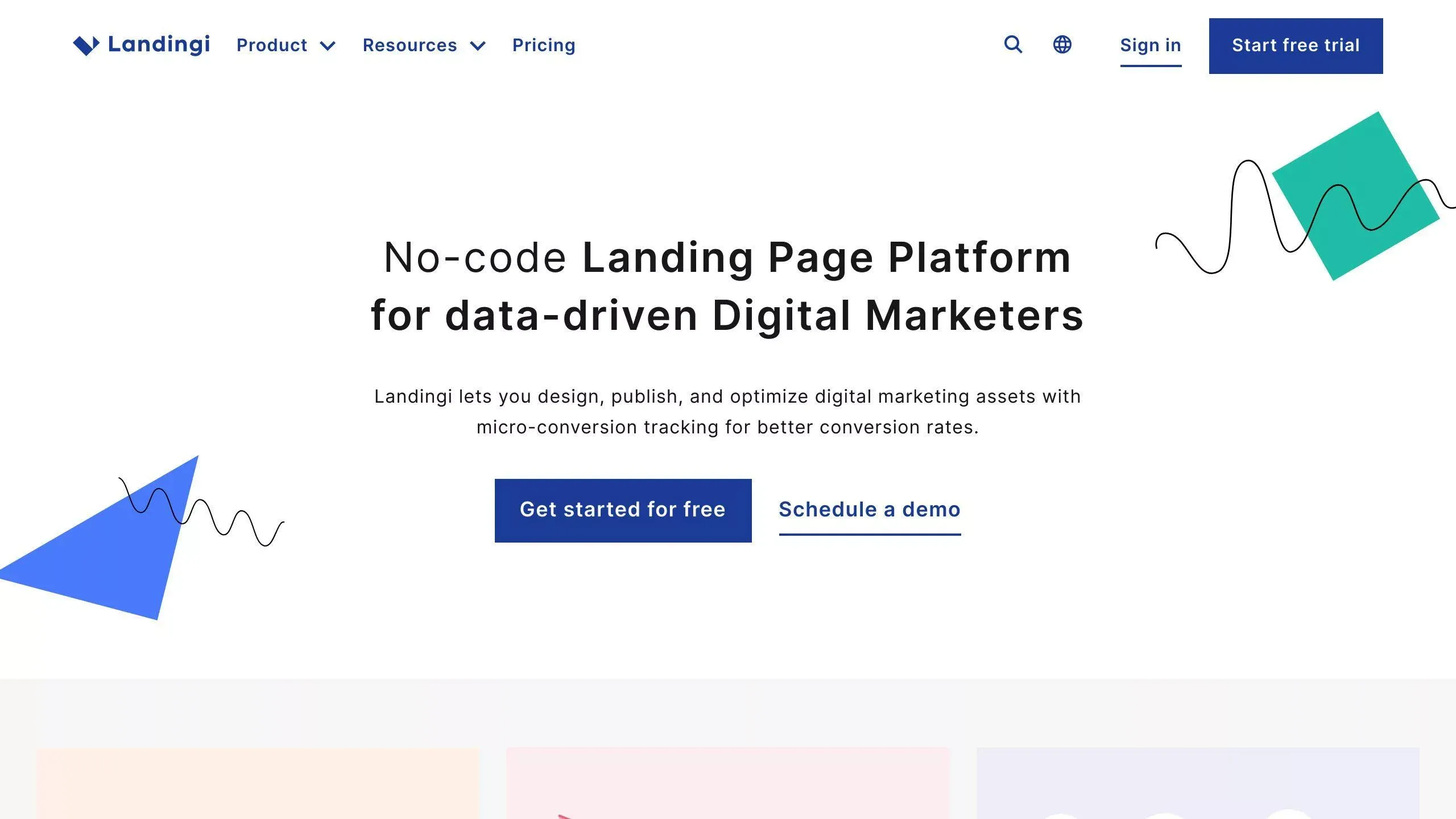
Landingi offers a cost-effective solution packed with tools to boost lead generation. With its drag-and-drop builder and a library of over 300 templates, creating pages designed to drive conversions is quick and straightforward. These templates are tailored for various industries and campaign types, using proven layouts to encourage visitor actions.
The platform integrates seamlessly with more than 170 marketing tools, including email platforms, CRMs, and analytics software. It also supports A/B testing, so marketers can experiment with different page elements and refine their strategies based on performance. Security is a priority, with SSL encryption and fast page load times, making it reliable even for high-traffic campaigns.
| Feature Category | Key Features |
|---|---|
| Design Tools | Drag-and-drop editor, 300+ templates |
| Lead Generation | Form builders, Pop-ups, Custom thank-you pages |
| Optimization | A/B testing, Analytics integration |
| Security | Regular backups, Performance optimization |
One of its standout tools is the AI Assistant, which suggests content and design improvements based on data insights. For support, users can rely on live chat, email assistance, and a detailed knowledge base.
Compared to higher-priced platforms like Instapage, Landingi is a great choice for businesses looking to manage costs while still accessing essential tools [1][2]. It strikes a balance between being beginner-friendly and offering advanced features for seasoned marketers [1].
That said, for businesses needing more advanced functionalities, platforms like Unbounce may be worth exploring.
2. Unbounce
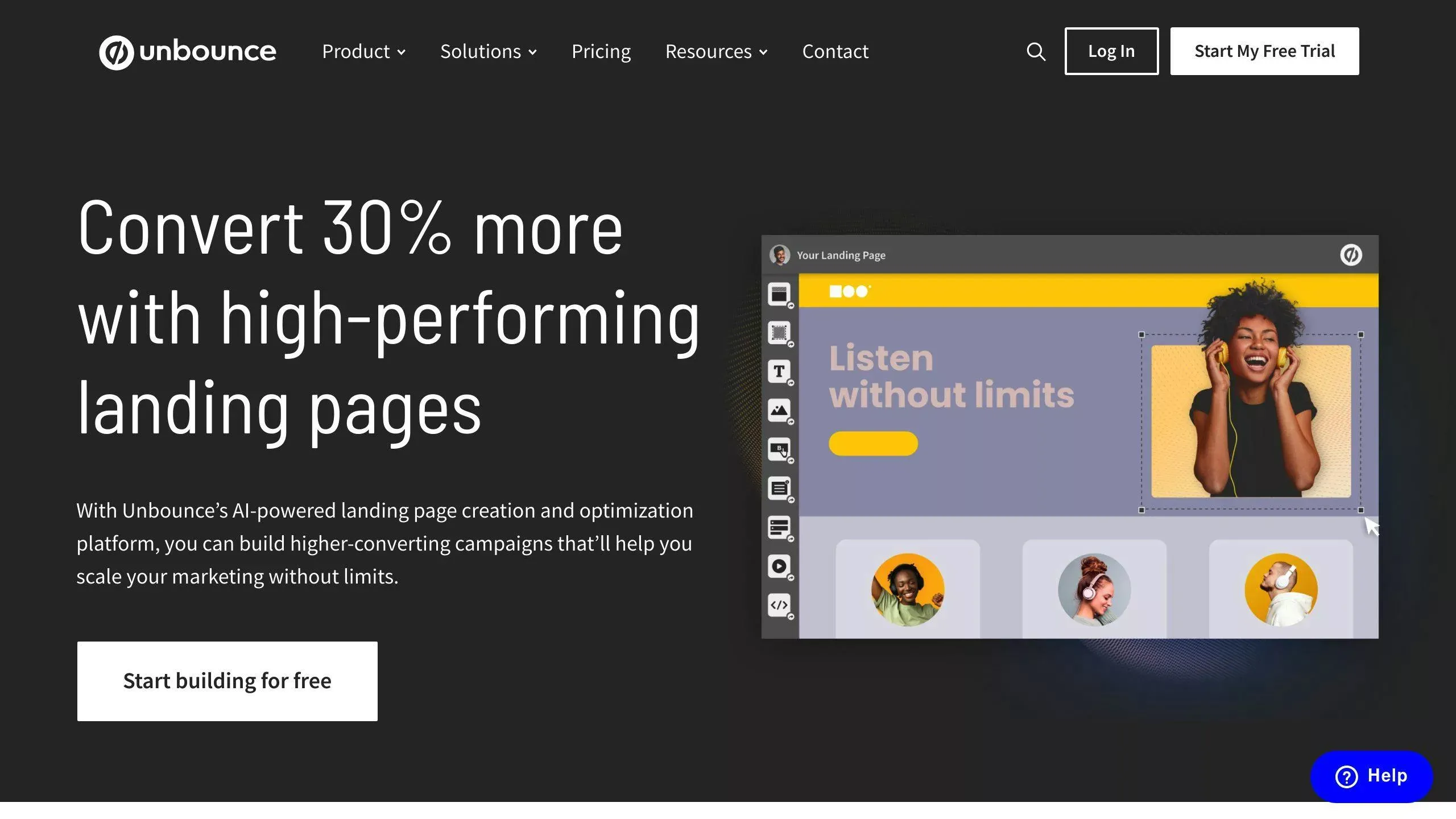
Unbounce is a go-to platform for businesses looking for advanced tools to boost lead generation. It stands out with its AI-powered features like Smart Traffic, which automatically sends visitors to the best-performing page variants, and Dynamic Text Replacement, which adjusts content based on search terms to improve conversions.
Another standout feature is AI Copywriting, which creates campaign-specific content that’s both persuasive and relevant. This is especially useful for marketers who want to save time on content creation without sacrificing quality.
Pricing starts at $90/month (billed annually) for smaller businesses and scales up to custom plans for enterprises. Unbounce also integrates seamlessly with popular tools like Salesforce, Mailchimp, and Google Analytics, making it easy to sync lead data with your existing systems.
One of its user-friendly highlights is A/B testing, which allows teams to test and refine their landing pages without needing technical skills. This focus on performance metrics helps marketers make informed decisions and improve their strategies [5].
For companies looking for advanced tools to personalize and optimize their campaigns, Unbounce is an excellent choice. Its AI-driven features and easy-to-use tools are ideal for managing complex marketing efforts.
Next up: Leadpages, another powerful tool for creating landing pages that convert.
3. Leadpages
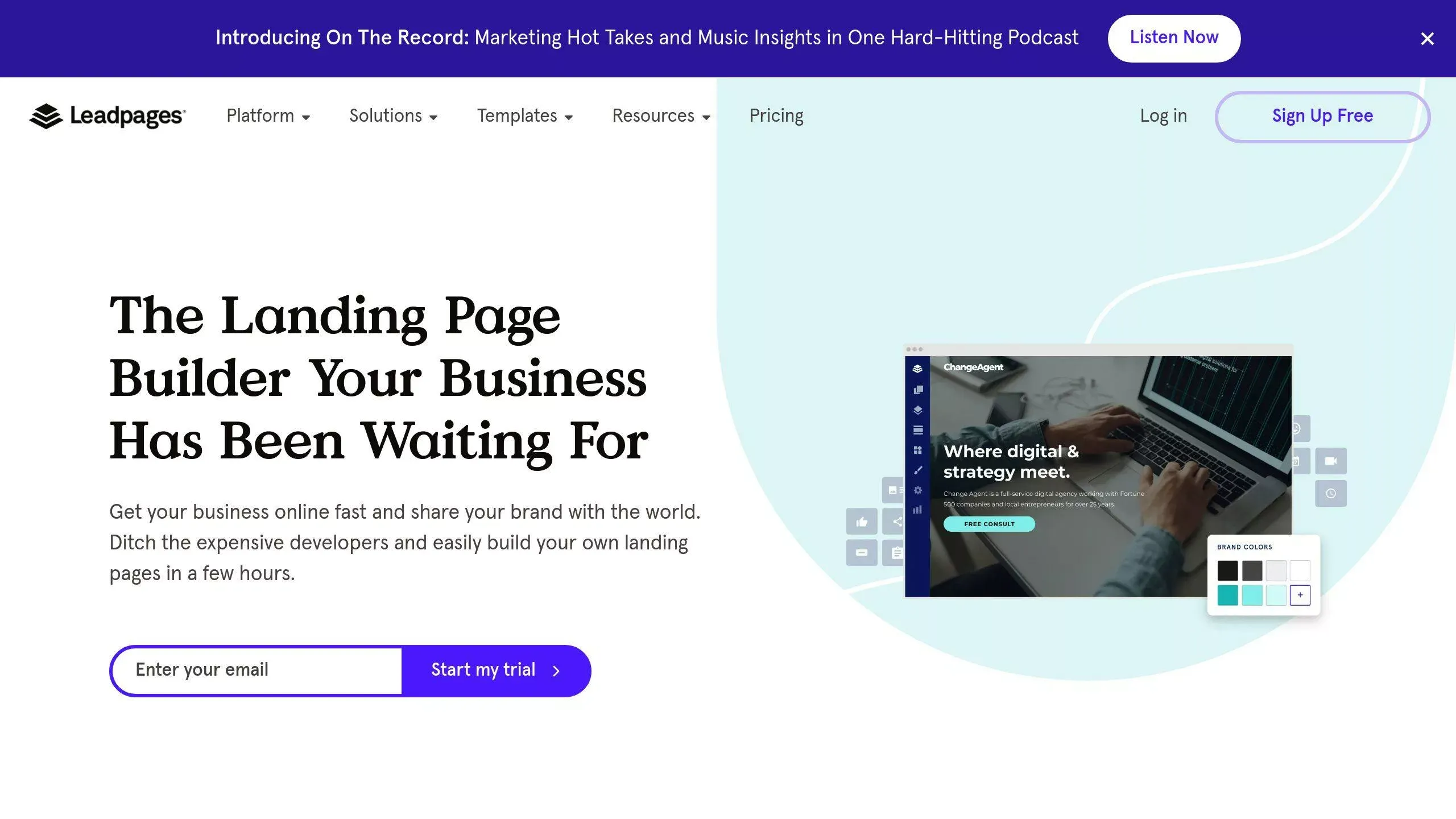
Leadpages offers a handy tool called Leadmeter, which provides real-time feedback to help you fine-tune your landing pages for better conversions. It also features a vast library of templates specifically designed for lead capture, alongside tools like pop-ups and alert bars to encourage more sign-ups and actions [5].
Pricing starts at $37/month for the Standard plan, which includes unlimited landing pages. The Pro plan, at $74/month, adds A/B testing and sales tools. For advanced integrations and priority support, the Conversion plan is available at $697/month.
One of Leadpages’ standout features is how effortlessly it integrates with popular marketing tools. This makes setting up automated email sequences and qualifying leads a breeze. Even if you’re not a marketing pro, the platform’s real-time guidance ensures your pages are designed to capture as many leads as possible [1].
Key Features for Lead Generation
- Leadmeter: Real-time feedback for improving conversions
- Templates: Pre-designed options for fast page creation
- Automation: Tools for lead nurturing and email workflows
- Conversion Boosters: Pop-ups and alert bars
- Analytics: Track performance instantly
While Leadpages doesn’t offer the advanced personalization options seen in some higher-end tools like Unbounce, it shines in providing the basics for lead generation. Its ready-made templates and straightforward features are perfect for marketers or small business owners who need professional landing pages quickly and without hassle [5].
If simplicity and cost-effectiveness are your priorities, Leadpages is a solid pick. However, for those looking for a broader set of marketing tools, Wishpond might be worth exploring.
4. Wishpond

Wishpond is a platform designed to simplify lead generation by combining conversion tools with marketing automation. Its all-in-one setup makes it a great choice for businesses looking to run unified campaigns without juggling multiple tools.
Key Features and Pricing
Wishpond provides a mix of tools to help you capture and nurture leads effectively:
- Smart Pop-ups: Overlays that appear based on user actions.
- Contest Tools: Campaigns designed to engage users and collect leads.
- Marketing Automation: Automated email workflows for nurturing potential customers.
- Analytics Dashboard: Tools to track conversions and measure success.
- Integration Hub: Connects smoothly with popular tools like Mailchimp and Salesforce.
Pricing starts at $49/month, catering to businesses of all sizes. All plans include unlimited landing pages and core lead generation features, with higher tiers offering advanced automation options.
Campaign Integration
One of Wishpond’s strengths is its ability to bring all aspects of a campaign together. From landing pages to pop-ups and email sequences, everything works in sync, managed from one dashboard. It also integrates with tools like HubSpot and Salesforce, making lead management more efficient.
While it might take some time to get used to its broader functionality compared to simpler tools like Leadpages, Wishpond’s all-in-one approach is ideal for businesses aiming to scale their marketing efforts. It offers a more comprehensive solution for running integrated campaigns, whereas platforms like Instapage focus specifically on optimizing landing pages.
5. Instapage
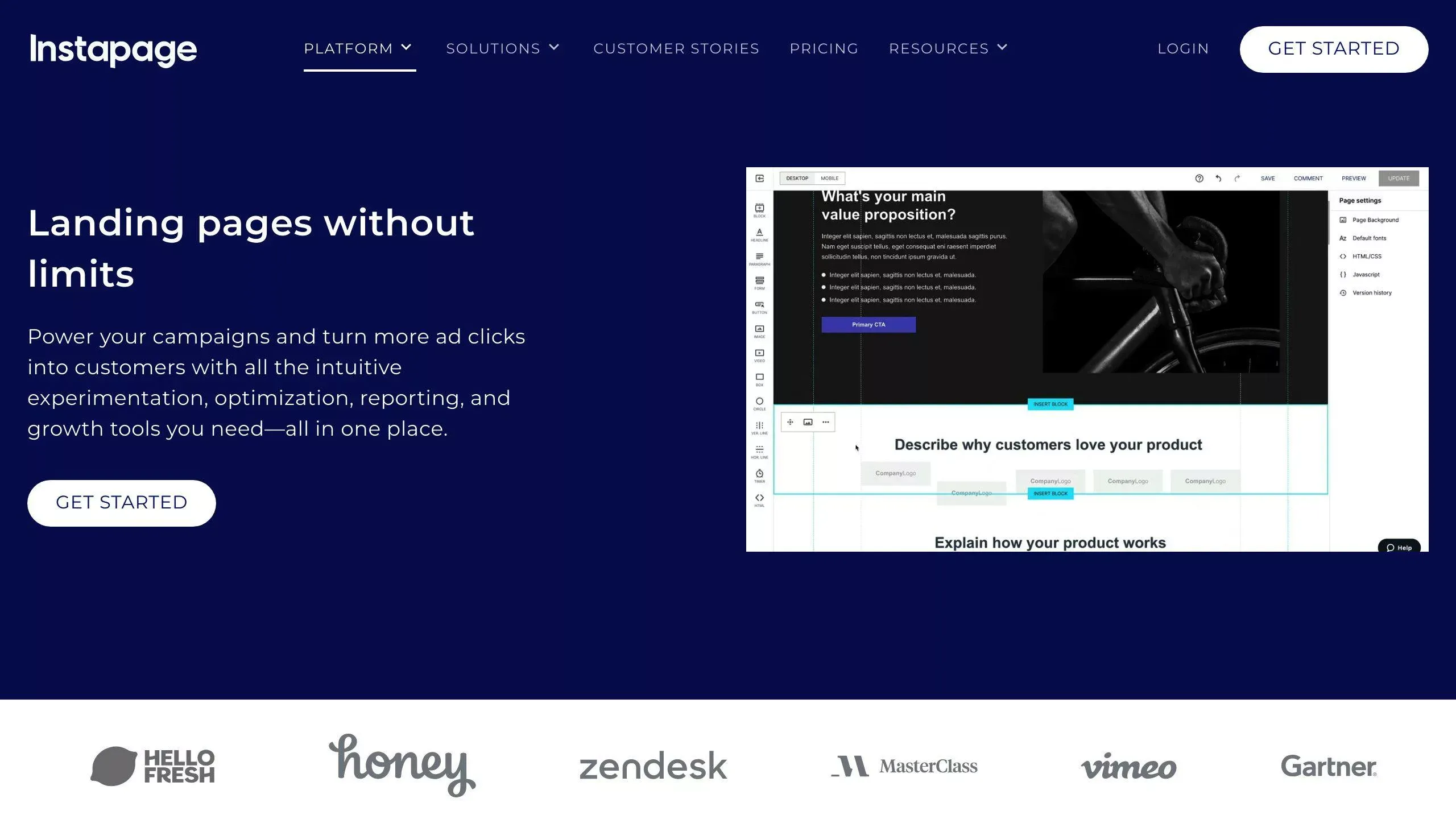
Instapage is a landing page builder designed for businesses aiming to improve lead generation through advanced customization and data-driven tools. Though it comes with a higher price point, its features are tailored for those looking to boost conversion rates at scale.
Personalization and Performance
Instapage helps businesses create landing pages that align perfectly with their ad campaigns, ensuring a seamless user experience from click to conversion. With its Instablocks feature, teams can save time and maintain consistent branding by reusing pre-designed content blocks across multiple campaigns.
The platform also focuses heavily on performance, offering AMP (Accelerated Mobile Pages) support to speed up page loading times. According to their data, cutting load times by just 2 seconds can reduce bounce rates by up to 103% [1]. This can make a big difference in capturing leads.
Pricing and Features
- Build Plan: $199/month (billed annually). Includes 30,000 visitors, 30 pages, and access for 3 team members.
- Convert Plan: Custom pricing, offering advanced tools like AI experiments and heat maps.
Enterprise Solutions
For larger businesses, Instapage provides enterprise-level tools such as audit logs, heat maps, and AI-powered optimization features. These capabilities are ideal for companies running complex lead generation campaigns that require detailed personalization and collaboration among team members [1][3].
While it’s an investment, Instapage’s robust tools make it a strong choice for businesses focused on scaling their lead generation with precision and efficiency.
Pros and Cons
Here’s a breakdown of the strengths and weaknesses of some popular landing page builders to help you decide which one fits your lead generation goals.
| Platform | Pros | Cons |
|---|---|---|
| Landingi | • Quick to create pages | |
| • Over 300 templates for various industries | ||
| • Built-in analytics | ||
| • Affordable pricing | ||
| • AI-powered tools | • Limited advanced customization options | |
| • Basic integrations at lower pricing tiers | ||
| Unbounce | • Smart Traffic feature for better conversions | |
| • Behavior-based content adjustments | ||
| • AI tools for copywriting | ||
| • Wide range of integrations | • Higher pricing | |
| • Steeper learning curve for beginners | ||
| • Advanced tools require time to master | ||
| Leadpages | • Templates designed to boost conversions | |
| • Real-time tips for optimization | ||
| • Easy-to-use features for beginners | ||
| • Proven track record with 200,000+ leads generated | • Limited design flexibility | |
| • Premium features locked behind higher-tier plans | ||
| Wishpond | • Free plan available | |
| • Comprehensive marketing suite | ||
| • Strong tools for capturing leads | • Free plan includes branded elements | |
| • Interface can be less user-friendly | ||
| • Fewer template options compared to others | ||
| Instapage | • Advanced personalization features | |
| • Optimized for mobile with AMP support | ||
| • Reusable content blocks | ||
| • Detailed analytics | ||
| • AI-driven testing tools | • Expensive starting price ($199/month) | |
| • Complex tools may require training | ||
| • Minimum of 30,000 visitors per month |
When choosing a platform, think about how its features match your business needs. For example, Instapage is great for enterprises needing advanced tools, but its cost might be too high for smaller teams. On the other hand, Landingi and Leadpages offer simpler, budget-friendly options that still get the job done [1].
Ultimately, the right choice depends on your business size, goals, and budget. Look for a platform that not only fits your price range but also helps you effectively capture and manage leads.
Conclusion
Choosing the right landing page builder can play a big role in your lead generation efforts. Each platform we’ve discussed brings something different to the table, catering to businesses of various sizes and needs.
Instapage is a great choice for larger organizations that require advanced features, though its higher cost makes it better suited for those with substantial traffic and budgets. For small to medium-sized businesses, Landingi strikes a good balance between functionality and affordability, offering the tools you need without unnecessary complexity. Meanwhile, Leadpages shines with its straightforward design, making it ideal for businesses that prioritize ease of use [3].
When deciding on a platform, keep these key points in mind:
- Resources and Team Needs: Choose a tool that’s priced right and fits your team’s technical skills.
- Integration and Scalability: Make sure it works with your current software and can grow with your business.
- Must-Have Features: Focus on features that directly support your lead generation goals.
The industry is evolving, with trends like AI-based optimization and mobile-first design becoming more prominent [1][2]. Look for a platform that not only meets your current needs but also positions you for future success.
Ultimately, the best landing page builder is the one that aligns with your specific goals and resources. By using it effectively, you can create landing pages that engage visitors and drive conversions. Each platform mentioned offers a solid foundation for better lead generation – it’s just a matter of finding the one that fits your business.
FAQs
Who makes the best landing pages?
The ideal landing page builder depends on what your business needs most. Here’s a breakdown of how some top platforms cater to different requirements:
For Enterprise & High-Traffic Campaigns Instapage stands out with advanced AI tools and customizable landing pages tailored for large-scale ad campaigns. It’s a strong choice for businesses handling heavy traffic.
For Small to Medium Businesses
- Leadpages: Known for its wide range of templates and AI-driven design tools, it’s great for selling products and capturing leads [1].
- Landingi: Offers a user-friendly builder with plenty of integrations, making it a solid option for growing businesses [4].
For Niche Requirements
- Swipe Pages: Focuses on mobile-first designs, ensuring your pages look great on smaller screens.
- GetResponse and ActiveCampaign: Both integrate seamlessly with email marketing, making them ideal for businesses with a strong email strategy [1][2].
When selecting a platform, think about these factors:
- Your technical needs
- Required integrations
- Budget
- Team’s skill level
- Lead generation goals
To get the best results, choose a builder that offers A/B testing, mobile optimization, and detailed analytics [1][2]. Ultimately, the right platform is the one that aligns with your goals, budget, and strategy.
This overview complements the detailed analysis shared earlier in this guide. Tailor your choice to your business’s specific needs.