Introducing ProveSource Boost: Free Popups, Spin to Win and More

ProveSource shows your visitors what other people are doing: who just bought, how many are looking, what the reviews say. It never asks the visitor to do anything themselves.
That is what ProveSource Boost is for. It is our new set of conversion widgets, built by the same team and running on the same account, and it went live this week. Below is what is in it, how to turn it on from your ProveSource dashboard, what it costs, and the other changes we shipped in ProveSource this month.
What is in Boost
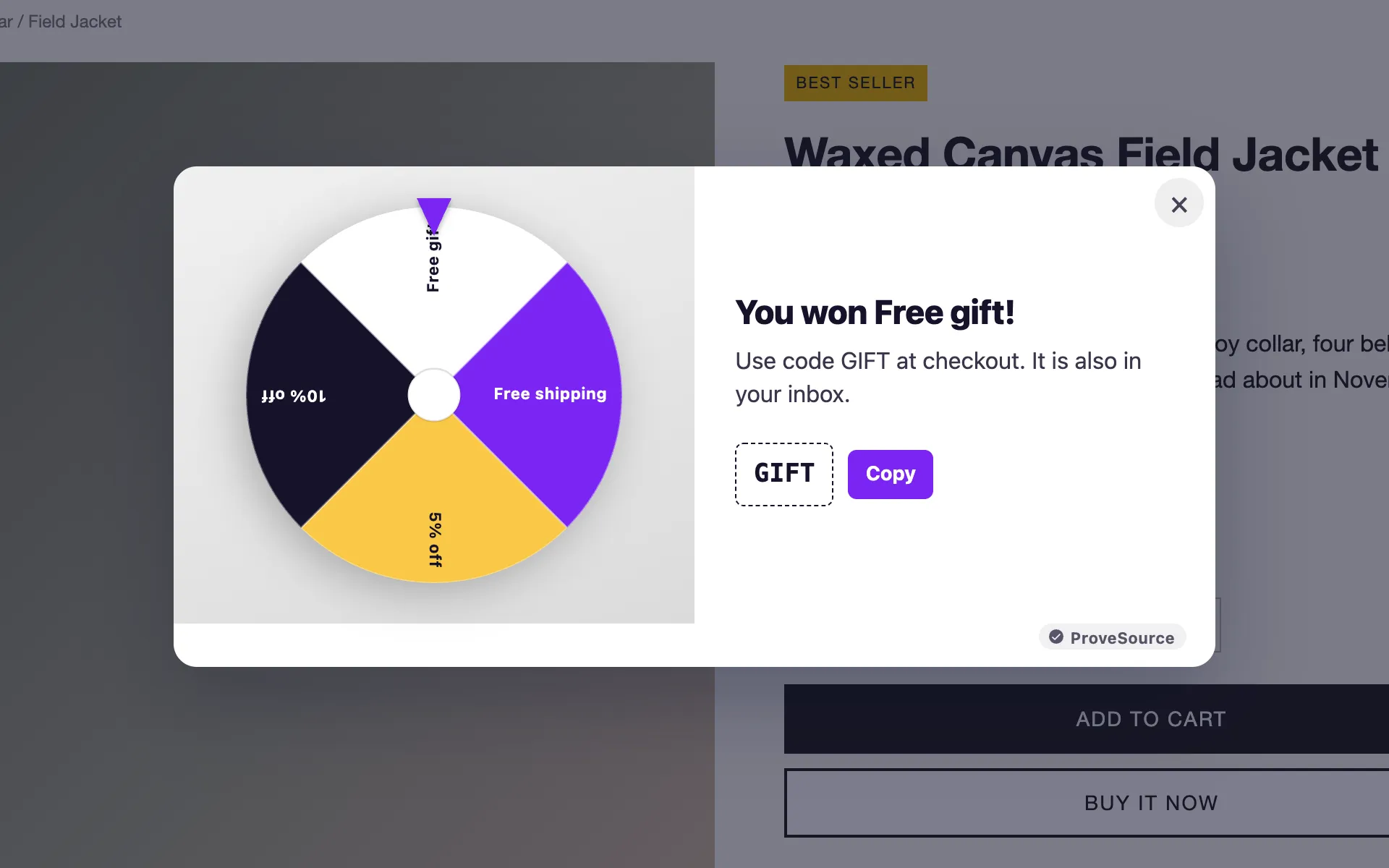
Popups for email signups, discount codes and exit intent. A first-order discount in exchange for an email is still the most reliable way to grow a store’s list, and the exit-intent version only shows to people who were leaving anyway.
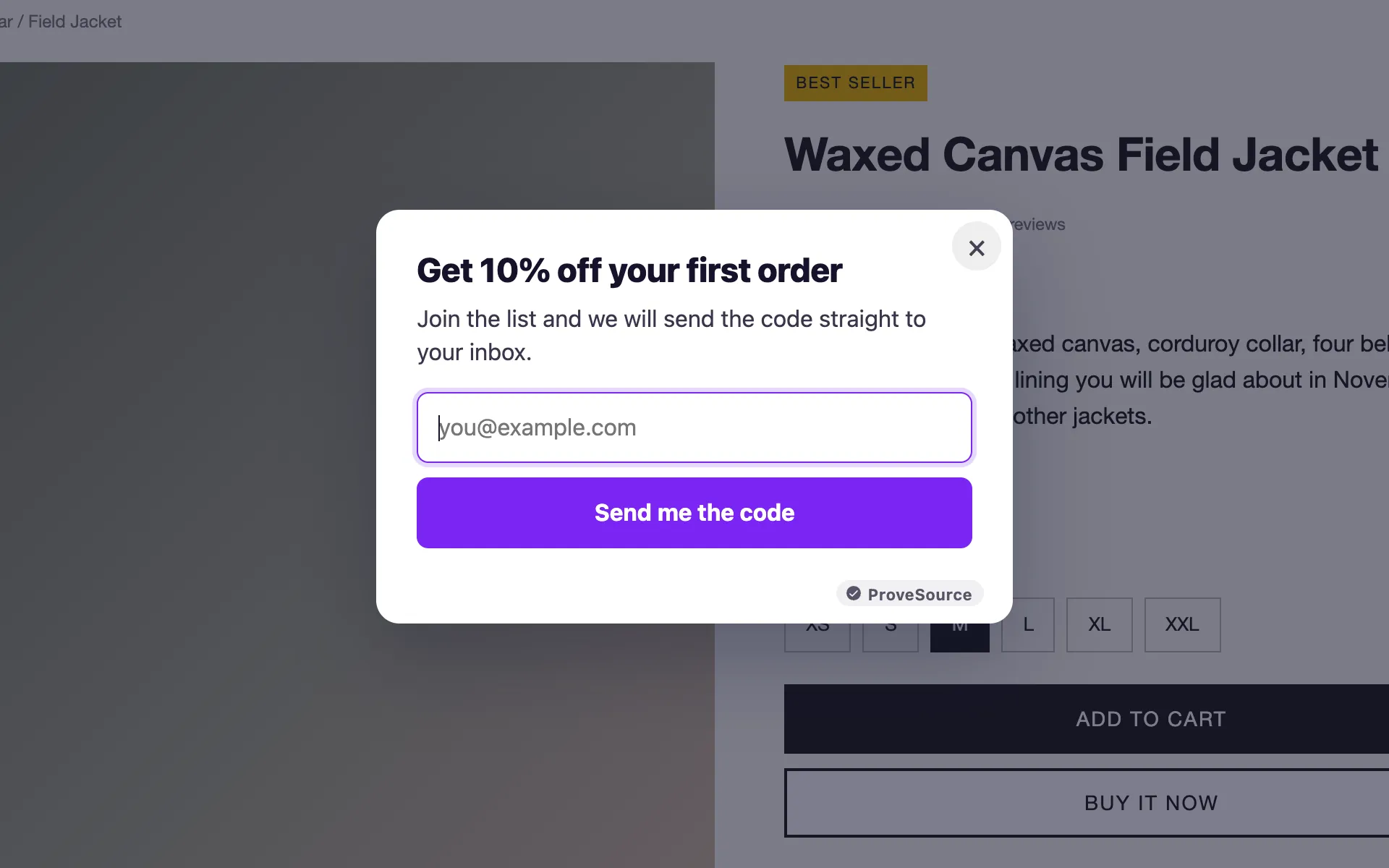
Spin to win wheels, scratch cards and gift boxes that trade a prize for an email. You set the prizes and their odds, and the code lands on screen and in the visitor’s inbox.
Announcement bars for free shipping, a sale or a launch, with a countdown built in if the offer ends.
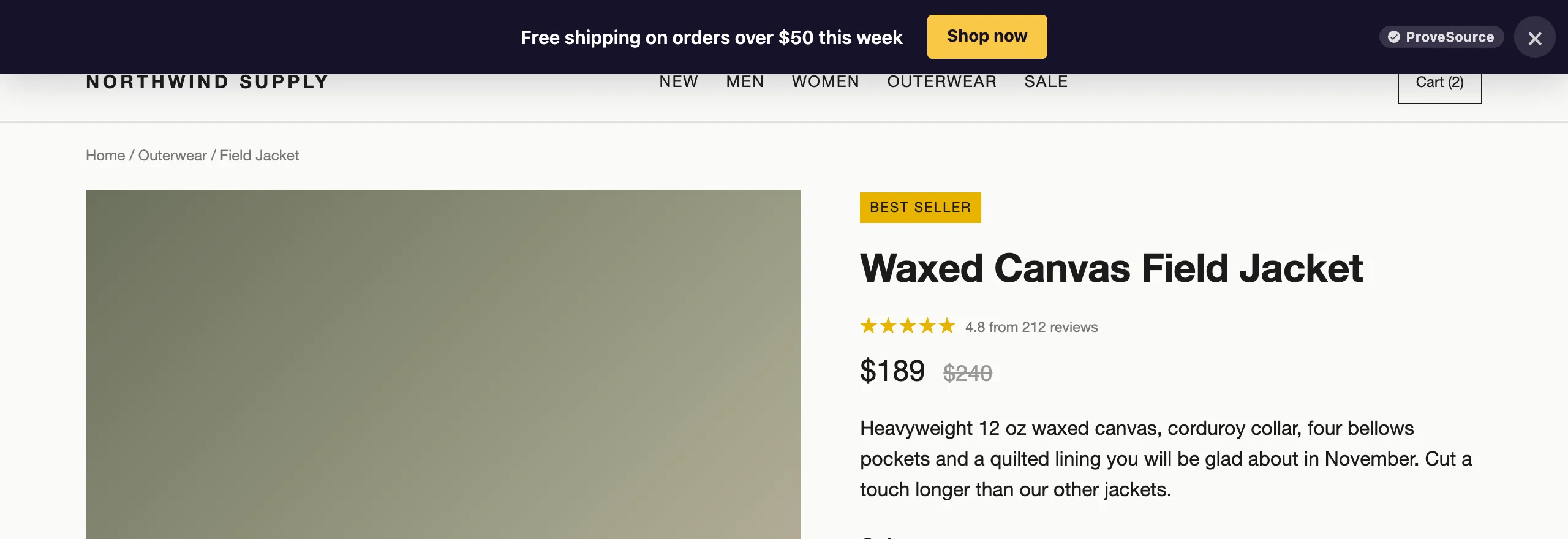
Countdown timers next to the price or in a page, for a fixed date or an evergreen deadline that starts per visitor.
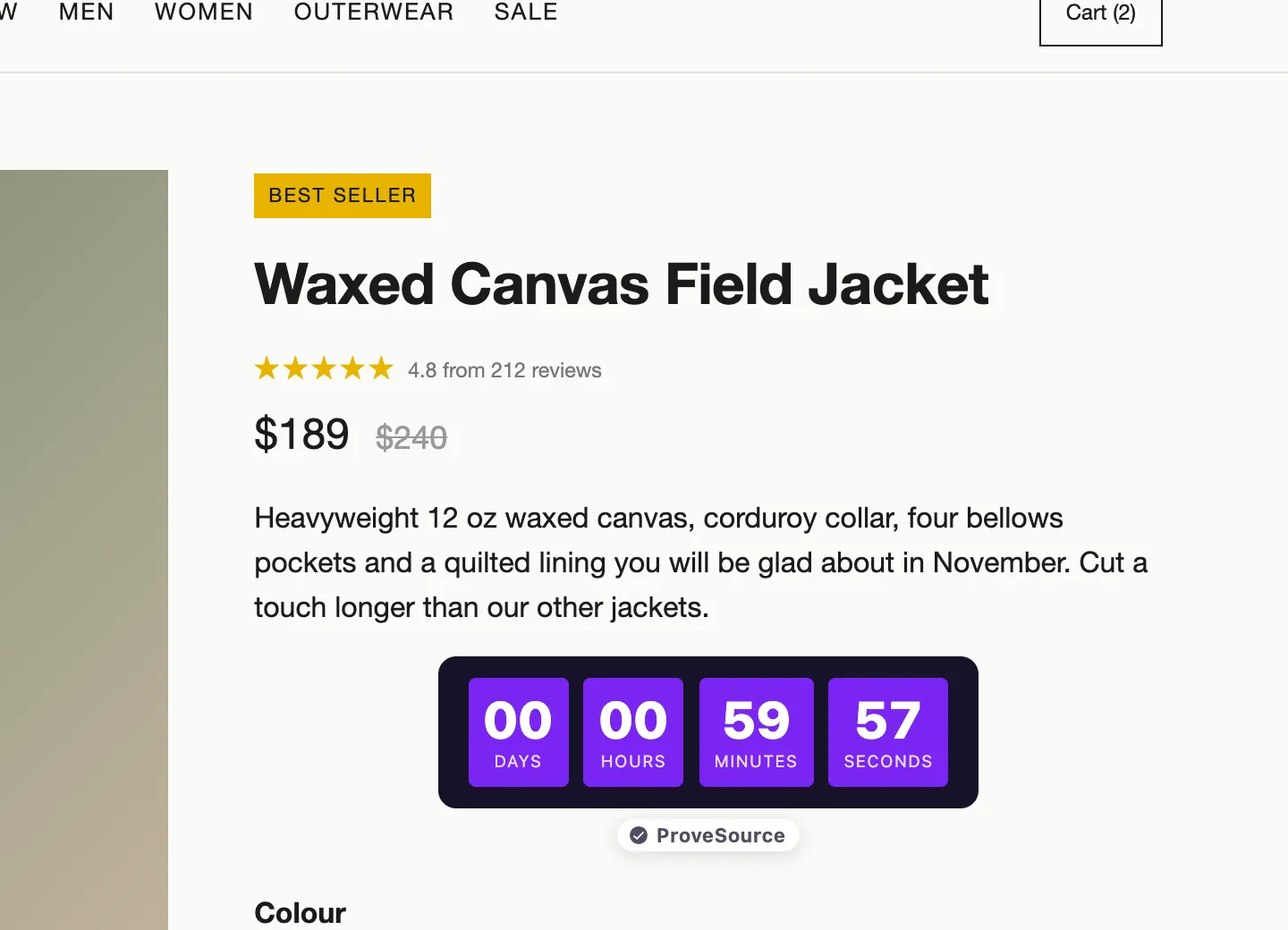
WhatsApp and call buttons in the corner of every page, for the visitors who would rather ask than read.
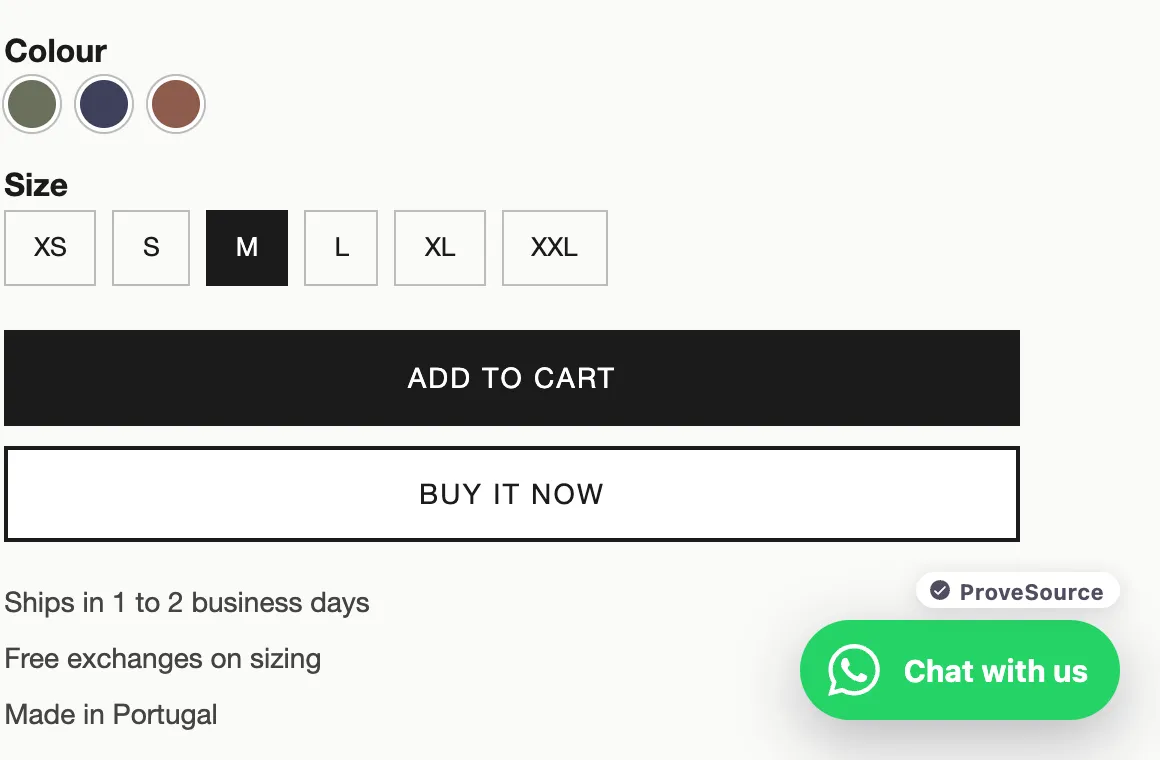
Describe any widget and AI builds it
If none of those fit, describe the widget in a sentence, like “a 3-question quiz that recommends a coffee plan and collects the email”, and the AI widget builder writes it in your site’s colors and fonts. You can change it by describing the change, or edit the code by hand. Custom widgets run in an isolated frame, so they cannot break your page or read anything on it. The free plan includes 3 AI credits a month and Pro includes 30.
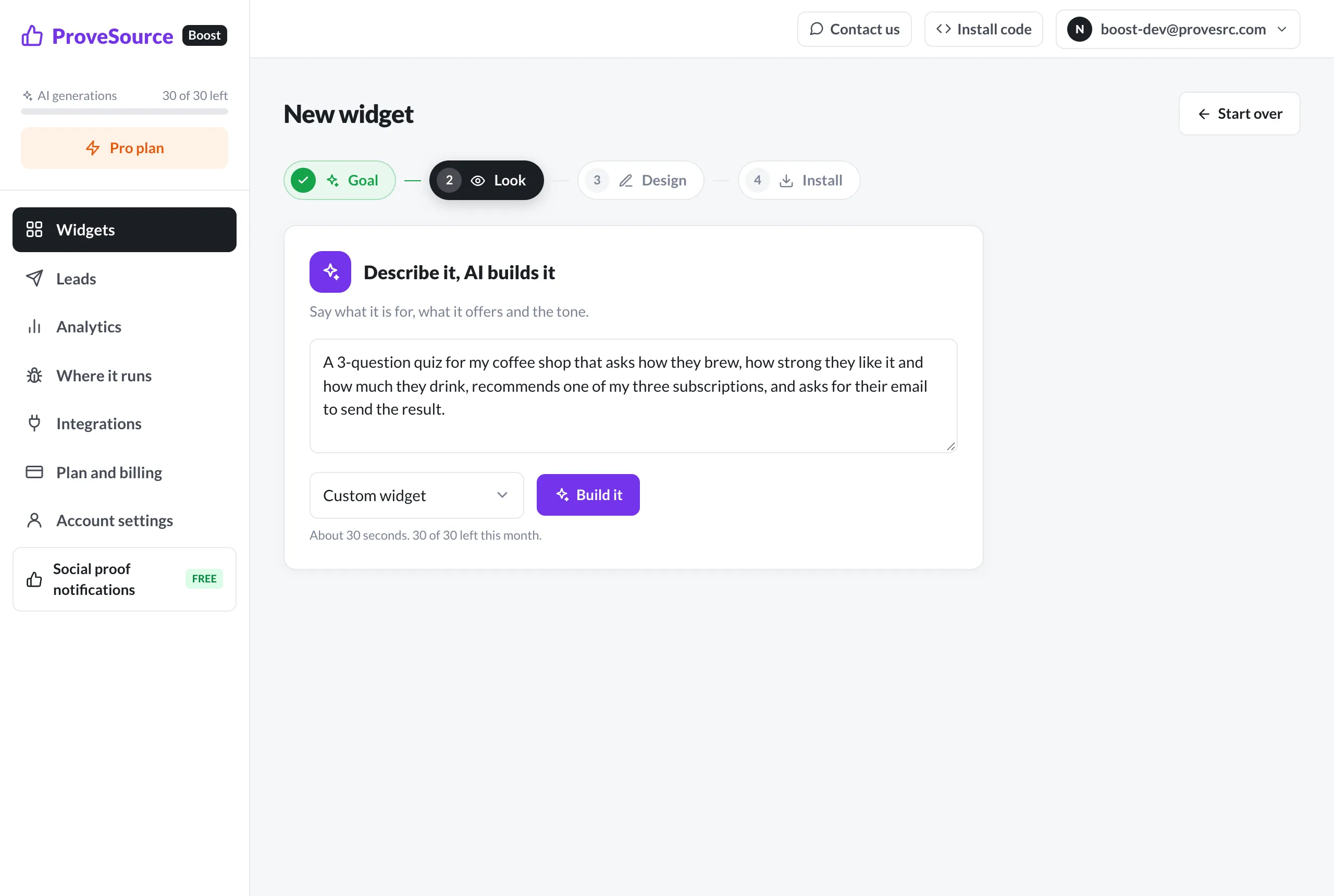
Targeting, leads and your own analytics
Each widget can open on exit intent, after a delay, on scroll or on click, and target pages, devices, countries and new or returning visitors. Only one widget opens over the page at a time.
Leads land on one Leads page with filters and a CSV export, and can go straight to Klaviyo, to a webhook (Zapier works) or to your inbox as they arrive. Views, clicks and signups also show up as events in your own GA4, Tag Manager, Meta pixel and TikTok, so Boost’s numbers sit next to the rest of your funnel.
It is already in your ProveSource account
In your ProveSource dashboard, click Conversion widgets in the sidebar. Boost opens signed in with your ProveSource account, with no new password.
Boost has its own one-line tag, separate from the ProveSource snippet. Put it on your site once and every widget you build later appears without touching the code again. There are step-by-step guides for Shopify, WordPress, Wix, Squarespace, Webflow, Framer and Google Tag Manager, and the script loads after your page renders, so it does not slow the page down. If you are choosing a popup app for a Shopify store, we compared Boost with nine others on price, free plans and features.
What it costs
The free plan has 3 widgets, 1,000 widget views a month, every feature, unlimited leads and 3 AI credits a month, with a small ProveSource badge. No card is needed.
Pro is $24 a month or $195 a year for unlimited widgets and views, no badge and 30 AI credits a month. It is billed separately from your ProveSource plan. For the first 24 hours after you open Boost, Pro is 30% off for three months.
Also new in ProveSource this month
Bots no longer count toward your visitor limit. Visits we detect as bots are left out of your monthly visitor count and your notification analytics, and the analytics page shows how many there were. IPs you filter out in settings do not count either.
Preview on my site. Every notification has a “Preview on my site” button. It checks the page for the snippet, the display rules and the notification’s data, then opens your page with that notification showing to you only, or tells you why it would not show. “Check a Page” does the same for a whole page and lists which notifications appear there and in what order.
A debug panel on your own site. With debug mode on, your site shows a panel, visible only to you, listing which notifications show on the page and why the others do not, with a timeline of the page view.
A new analytics page. Chart several metrics at once, see every breakdown with its share of the total, and see your top pages first. Goals and the events feed got the same redesign, and the events page now lists the URLs where ProveSource is installed and where it captures forms. The whole dashboard works on a phone now.
A lighter script. The ProveSource snippet is now about 45 KB gzipped, down from 77 KB.
More form tracking. GoHighLevel forms, surveys and quizzes are tracked automatically. We can also track Apple Pay and Google Pay purchases made inside Stripe’s checkout; contact support and we will switch it on for your account.
Smaller things: Stripe subscribers can now move to a smaller paid plan on their own, Shopify stores can see in Settings > Integrations whether the app embed is active, and order notifications show their line items in the feed details.
Frequently asked questions
Do I need a new account to use Boost?
No. If you have a ProveSource account, click Conversion widgets in the dashboard sidebar and Boost opens signed in with it. New users can start free at boost.provesrc.com.
Is ProveSource Boost free?
Yes. The free plan has 3 widgets, 1,000 widget views a month, every feature, unlimited leads and 3 AI credits a month, with a small ProveSource badge. Pro is $24 a month or $195 a year.
Does Boost replace ProveSource social proof notifications?
No. Notifications show visitors what other people are doing. Boost widgets ask the visitor to act. They run side by side, and Boost is billed separately from your ProveSource plan.