ChatGPT for Business Automation: How AI Integrations Are Cutting Admin Work by 30%

In this article
- ChatGPT Basics for Business
- Using Zapier with ChatGPT for Business Automation
- Daily Admin Tasks ChatGPT Can Do for Your Business
- Facts vs. Fiction: AI’s Role
- Tracking 30% Admin Time Reduction
- How to Automate ChatGPT Like a Pro
- 30-Day Implementation Guide
- SEO and Content Creation with ChatGPT: Maximizing Impact While Avoiding Pitfalls
- BONUS: Mastering Prompt Engineering with ChatGPT for Business Automation
- Final Thoughts: Unlocking Business Efficiency with ChatGPT
AI tools like ChatGPT are helping businesses save 30% of their time on repetitive admin tasks. By automating processes like email management, meeting summaries, and customer support, teams can focus on higher-value work. Here’s how you can use ChatGPT for business automation to transform your workflows:
- Email Management: Automatically sorts and drafts replies, saving up to 30% of email time.
- Meeting Support: Creates agendas, transcribes discussions, and generates summaries.
- Support Tickets: Organizes and prioritizes tickets, speeding up response times by 50%.
- Document Processing: Summarizes key details, reducing review time significantly.
ChatGPT Basics for Business
What ChatGPT Does
ChatGPT and similar AIs use natural language processing to handle a variety of administrative tasks with ease. Their strength lies in understanding context and maintaining consistency across different types of business communications [1].
When connected to business systems, these AIs can:
- Organize communications and draft replies that align with company policies.
- Extract and summarize important details from documents.
- Create meeting summaries and action items.
- Handle data from various sources like emails or documents.
Time-Saving Admin Features
Here’s a breakdown of how AI streamlines administrative tasks:
| Admin Task | How AI Handles It | Time-Saving Impact |
|---|---|---|
| Email Management | Prioritizes incoming emails and drafts responses | Cuts email handling time by up to 30% |
| Meeting Support | Prepares agendas and generates detailed summaries | Removes the need for post-meeting notes |
| Support Tickets | Organizes and routes tickets to the right departments | Improves initial response time by 50% |
| Document Processing | Highlights key information and creates summaries | Significantly reduces document review time |
These features can reduce administrative workloads by 30%, allowing teams to focus on more critical tasks. When combined with tools like Zapier, ChatGPT and other LLMs becomes even more effective, enabling automated workflows triggered by specific conditions [2].
For example, an e-commerce company could train AI with their product details and FAQs. This setup allows the AI to deliver accurate, immediate responses to customer questions 24/7 [4].
The secret to getting the most out of ChatGPT and AI in general lies in proper setup and seamless integration with existing business tools. We’ll dive deeper into how to achieve this in the next section.
Using Zapier with ChatGPT for Business Automation
ChatGPT-Zapier Setup Steps
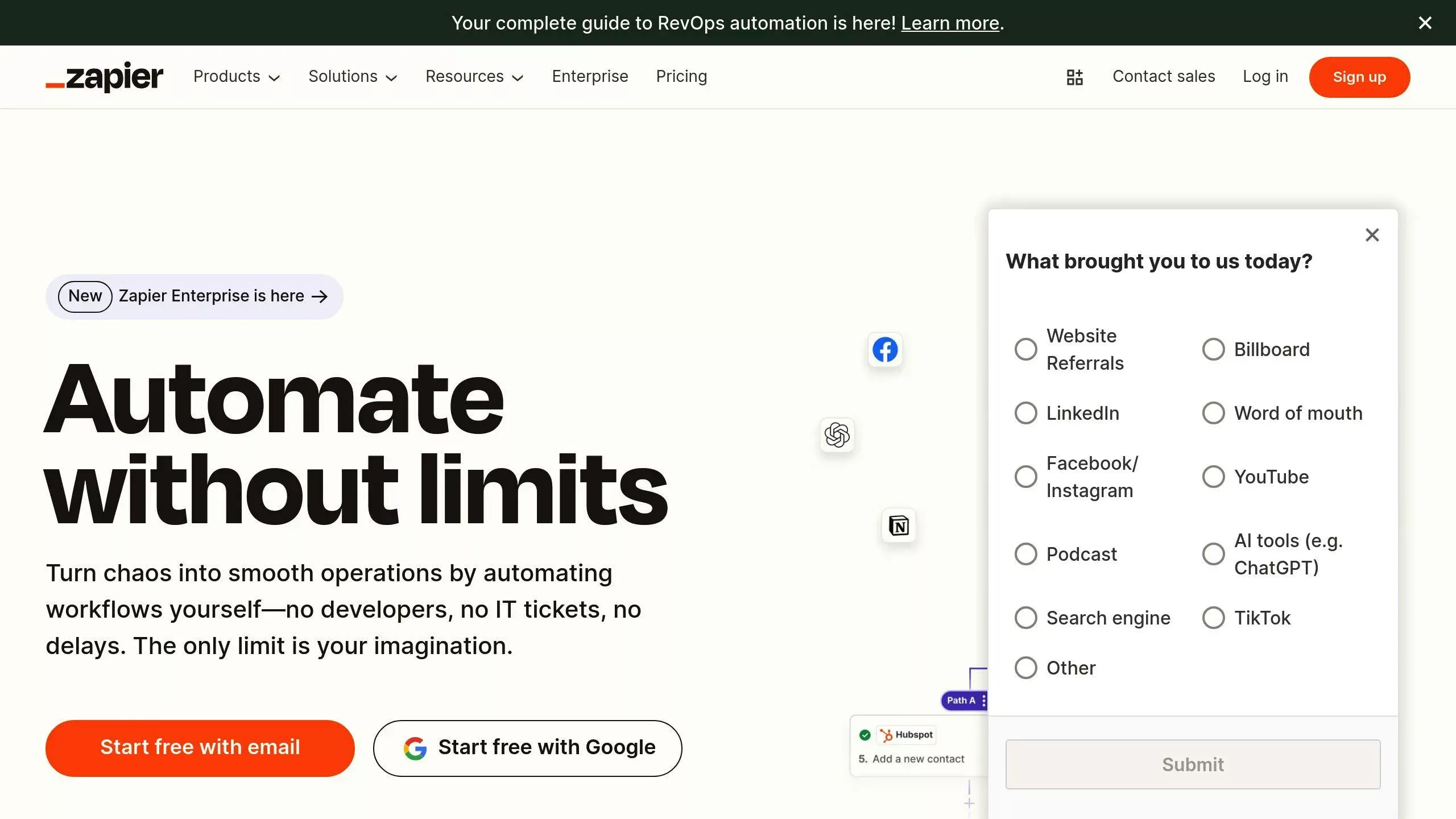
Connecting ChatGPT with Zapier can help automate repetitive tasks and save you a lot of time. To get started, you’ll need a OpenAI API subscription and a Zapier account.
1. Initial Setup
Log in to your OpenAI account and generate an API key in the API section. This key acts as the connection between ChatGPT and Zapier. Make sure to save it somewhere secure – you’ll need it for the next steps.
2. Configuring Zapier and Plugins
Go to your Zapier dashboard, click on ‘My Apps,’ and add connections for ‘OpenAI’ and ‘ChatGPT’ using your API key.
Common Automation Tasks
| Task Type | Example Automation | Time Saved |
|---|---|---|
| Email Management | Automatically draft and send replies to emails flagged as ‘urgent’ | Cuts response time by 70% |
| Content Creation | Trigger a schedule → Generate content → Publish to WordPress | Saves 2-3 hours per post |
| Customer Support | Analyze Slack messages → Generate responses → Reply automatically | Handles 40% of basic inquiries |
Setup Tips and Fixes
- Choose the Right Model: For routine tasks, try GPT-4o mini ($0.15 per million tokens) to balance cost and quality.
- Avoid Common Issues: Keep an eye out for problems like expired API keys, poorly formatted data, or ineffective prompts.
- Boost Performance: Use clear, specific prompts to get the best results.
With your ChatGPT-Zapier integration ready, you’re all set to streamline your daily tasks and save time.
Daily Admin Tasks ChatGPT Can Do for Your Business
Email Sorting and Responses
With tools like Zapier, ChatGPT can integrate seamlessly with Gmail or Outlook to handle email management. It categorizes emails by urgency, sender, or specific keywords, helping you prioritize faster.
| Email Task | Automation Method | Time Impact |
|---|---|---|
| Priority Sorting | Analyzes keywords to determine urgency | 45% faster triage |
| Response Templates | Generates contextual replies | 70% quicker responses |
| Follow-up Tracking | Creates automated reminders | 85% fewer missed replies |
Set up triggers to automate tasks like responding to product return inquiries or creating calendar invites for internal meetings. This can save hours of manual effort.
Meeting Management
ChatGPT simplifies meeting workflows when paired with scheduling tools like Calendly. Using Automation tools like Zapier, It can review past meetings to suggest discussion points and allocate time effectively.
Through Zapier, ChatGPT can also automate agenda creation, transcribe discussions, and generate follow-up summaries. By integrating with tools like Calendly, it handles everything from pre-meeting prep to post-meeting action tracking, ensuring nothing falls through the cracks.
Support Ticket Management
Platforms like Zendesk or Freshdesk work well with ChatGPT to streamline support ticket handling. It categorizes and prioritizes tickets, ensuring a faster and more organized response process.
| Ticket Type | AI Action | Resolution Time |
|---|---|---|
| Basic Inquiries | Sends instant automated responses | Under 5 minutes |
| Technical Issues | Routes to specialists for resolution | 30% faster resolution |
| Feature Requests | Categorizes and tracks automatically | 50% better organization |
For best results, train ChatGPT with clear instructions like:
“Analyze ticket content for urgency and categorize based on technical complexity, customer tier, and required response time.”
This approach ensures reliable and consistent support management, reducing manual workload while maintaining quality.
Facts vs. Fiction: AI’s Role
How AI Helps Teams Work Better
AI tools like ChatGPT are great for taking care of repetitive tasks, giving teams more time to focus on strategic work rather than administrative chores. By streamlining these tasks, tools like ChatGPT let employees prioritize what truly matters.
| Task Type | AI Role | Human Role |
|---|---|---|
| Administrative | Automates email sorting, scheduling | Strategic decision-making |
| Customer Service | Handles initial responses, ticket sorting | Solves complex issues |
| Marketing | Provides content ideas, analyzes data | Develops creative strategies, brand voice |
For example, Salesforce Einstein analyzes customer data to predict potential issues, such as product malfunctions. This allows human teams to step in early, address problems, and build stronger customer relationships.
That said, AI has its limits. While ChatGPT is excellent at recognizing patterns and processing data, it can’t replace human creativity, judgment, or emotional intelligence. Instead, it complements human work by taking care of time-consuming, repetitive tasks.
Getting Teams On Board with AI
Introducing AI tools effectively means showing how they can make a real difference. Tools like ChatGPT and Zapier integrations are especially useful for automating tasks like sorting emails or organizing customer service requests.
“AI tools like ChatGPT are designed to handle repetitive and administrative tasks, freeing up human workers to focus on more complex and creative tasks. For example, ChatGPT can automate email triage and meeting summaries, allowing teams to focus on strategic decision-making” [4][6].
To encourage adoption, highlight practical uses that make daily work easier. For example, AI can track project deadlines by automating reminders and updates – small wins that can quickly get teams on board.
Training should focus on how AI enhances, not replaces, human work. Be sure to establish clear guidelines for:
- Data security and proper usage
- Quality control processes
- Feedback loops
Measure success with metrics like reduced admin time and quicker response rates. While AI takes care of routine tasks, human expertise remains essential for making complex decisions and building customer connections.
Tracking 30% Admin Time Reduction
Key Success Metrics
To understand how ChatGPT reduces administrative workloads, track these key metrics before and after implementation:
| Metric Category | What to Measure | How to Track |
|---|---|---|
| Time Savings | Hours spent on admin tasks | Time tracking software |
| Task Automation | Percentage of automated workflows | Zapier analytics |
| Response Times | Speed of handling customer inquiries | Support ticket data |
| Employee Impact | Staff time allocation | Workload distribution |
Microsoft highlights that AI assistants can reduce task time by 26%-73%, with 72% of users reporting less mental strain. These metrics help businesses evaluate AI’s measurable impact across various industries.
Business Success Stories
AI is transforming administrative processes across sectors. For instance, Octopus Energy uses AI to handle 34% of customer inquiries, which is equivalent to the workload of 250 employees, while maintaining an 80% satisfaction rate.
“That’s the work of 250 people in the UK alone – and it is doing it with an 80% satisfaction rating”, says Greg Jackson, founder and CEO of Octopus Energy.
Maximizing AI Benefits
Expanding AI use strategically in areas like customer service, IT, and planning can deliver the most value. Deloitte’s research shows impressive improvements:
- 74% in customer service and experience
- 69% in IT operations and infrastructure
- 66% in planning and decision-making
For example, Unilever automated quality checks, allowing employees to focus on more impactful tasks, which increased efficiency. Regularly assessing AI performance with tools like ClickUp‘s Time Analysis Template helps businesses refine workflows and optimize their AI strategies.
How to Automate ChatGPT Like a Pro
30-Day Implementation Guide
This step-by-step plan is designed to help reduce your administrative workload by 30% within a month using ChatGPT automation. Each week builds on the previous one, ensuring a smooth transition and measurable progress.
Week 1: Identify Priorities
Begin by pinpointing the administrative tasks that consume the most time. Common areas to focus on include email management, customer support, and meeting coordination. These are often the easiest to automate and deliver quick results.
| Priority | Task Type | Estimated Time Saved |
|---|---|---|
| High | Email Triage | 70% |
| Medium | Meeting Notes | 80% |
| Low | Support Tickets | 60% |
Once you’ve identified your key priorities, set up initial automations to address the most impactful tasks.
Week 2: Initial Setup and Training ChatGPT for Business
Create your OpenAi account and integrate it with Zapier. Start small – set up one automation flow, like sorting emails. Research shows that businesses introducing email automation often cut email processing time by 26% in the first week [2].
Use Zapier to establish workflows for tasks like email categorization, meeting summaries, and support ticket classification. Focus on high-impact areas to see immediate benefits.
Week 3: Refine and Customize
This week is all about fine-tuning. Train ChatGPT with prompts that are specific to your business needs. For instance, integrating AI tools with scheduling platforms like Calendly can reduce back-and-forth emails by up to 80% [1].
Develop templates for customer responses, meeting agendas, and task prioritization. These will help streamline your processes further and improve consistency.
Week 4: Expand and Measure
Expand the use of ChatGPT across your team and monitor the results. Train it with additional prompts, scale up successful workflows, and track metrics like time saved and response rates. Many companies report saving up to 3 hours per employee per week by using AI-powered email tools [3].
Tips for Success:
- Start with tasks that aren’t mission-critical.
- Document workflows to make training easier.
- Address team feedback during regular check-ins.
- Use Zapier analytics to track the performance of your automations.
SEO and Content Creation with ChatGPT: Maximizing Impact While Avoiding Pitfalls
As businesses leverage ChatGPT for content generation, AI-driven tools are reshaping how organizations create blog posts, landing pages, and marketing materials. While AI-generated content can improve efficiency and scalability, businesses must be mindful of potential risks, including inherent biases, low-quality outputs, and SEO penalties. By understanding these challenges and implementing best practices, companies can use ChatGPT to enhance their SEO strategy while maintaining content integrity.
The Risks of AI-Generated Content in Business SEO
While OpenAI’s models, including ChatGPT Plus, can generate high-quality text, they are not infallible. Businesses relying on chatbot-written text should consider these key risks:
📌 Risk of Low-Quality or Generic Content – ChatGPT can produce repetitive or overly generic content that lacks depth, reducing engagement. This can impact SEO performance, as Google prioritizes original, valuable content (WordStream).
📌 Misinformation & Inaccuracy – AI does not inherently verify facts, meaning businesses must fact-check AI-generated content before publishing to maintain credibility (SEO Clarity).
📌 Duplicate Content Risks – AI models sometimes generate text that closely resembles existing content, potentially leading to plagiarism concerns or search engine penalties (Rio SEO).
📌 Inherent Biases in AI Responses – ChatGPT reflects the biases present in its training data, which may inadvertently introduce inaccuracies or unintentional biases into business content.
How to Use ChatGPT for SEO Without Hurting Rankings
To get the most out of ChatGPT for business content creation, companies need to apply content modification strategies to optimize AI-generated text for SEO-friendly keywords while ensuring quality and originality.
🔹 Prioritize Human Oversight – Always review and refine AI-generated content to align with brand messaging and ensure high-quality writing. Avoid blindly publishing AI outputs without editing.
🔹 Use ChatGPT for Keyword Research – ChatGPT can help generate SEO-friendly keywords and content ideas by analyzing search intent and identifying trending topics. However, businesses should still use tools like Google Keyword Planner or Ahrefs for verification (Adam Fard).
🔹 Optimize for Uniqueness – Avoid chatbot-written text that appears formulaic or lacks depth. Use ChatGPT for content structuring but integrate original insights, personal expertise, and company-specific knowledge to create truly valuable content.
🔹 Ensure Regular Content Updates – AI-generated content may become outdated over time. Businesses should schedule content audits to keep their information relevant and maintain strong search rankings (Grazitti Interactive).
Fact-Checking and Maintaining Content Integrity
Since AI-generated content can sometimes produce inaccuracies, businesses should implement fact-checking processes to maintain trust and authority:
✔ Cross-Verify Data – Use authoritative sources to confirm AI-generated facts before publishing. ✔ Use AI for Content Structuring, Not Final Writing – ChatGPT excels at outlining and summarizing, but final drafts should be reviewed by human writers. ✔ Monitor Performance – Use analytics tools to track how AI-generated pages perform in search rankings and adjust content based on user engagement.
Leveraging ChatGPT for Smarter SEO Content
When used strategically, ChatGPT can be a powerful tool for content creation, helping businesses scale SEO efforts while maintaining quality. By combining advanced machine learning techniques with human oversight, companies can optimize their SEO strategy, generate compelling content, and ensure long-term success in search rankings—all while avoiding the common pitfalls of AI-generated content.
BONUS: Mastering Prompt Engineering with ChatGPT for Business Automation
As businesses integrate ChatGPT into their workflows, prompt engineering is emerging as a key skill for optimizing AI-powered automation. Whether used for HR and hiring roles, customer support, or sales automation, well-crafted prompts ensure targeted responses that align with business needs. Instead of treating ChatGPT as a generic tool, businesses can fine-tune interactions by leveraging advanced machine learning techniques to generate precise and useful outputs.
The Role of Prompt Engineering in Business Scenarios
In real-world business scenarios, prompt engineering helps HR teams, hiring managers, and support agents automate processes with greater accuracy. For instance, recruiters using ChatGPT to screen job candidates can optimize AI-generated interview questions by crafting prompts that extract the most relevant qualifications.
Example:
👉 “Generate a list of interview questions tailored for a mid-level software engineer with experience in AI and cloud computing.”
For customer service teams, precise prompts allow ChatGPT to deliver targeted responses that align with company policies. Instead of providing generic answers, a well-structured prompt like:
👉 “Analyze the customer’s issue and respond in a professional tone using our refund policy guidelines.”
ensures consistent and accurate messaging.
Essential Skills for Business-Oriented Prompt Engineering
To fully leverage ChatGPT in a business automation setting, teams need to master several machine learning techniques to refine AI interactions. Key skills include:
✅ Understanding AI Behavior – Knowing how advanced machine learning models process inputs helps in crafting effective prompts for business use cases. ✅ Industry-Specific Knowledge – Aligning ChatGPT’s responses with specific roles in HR, sales, or support ensures business relevance. ✅ Structured Thinking – Breaking down requests into clear, step-by-step prompts leads to more accurate and useful outputs. ✅ Testing and Iteration – Experimenting with different prompt variations ensures higher-quality AI responses over time.
How Prompt Engineering Impacts HR, Hiring, and Customer Support Roles
By refining how businesses interact with ChatGPT, prompt engineering significantly improves AI-driven efficiency. Some key benefits include:
📌 Enhanced Hiring and HR Processes – AI can generate role-specific interview questions and screen candidates based on pre-defined criteria. 📌 Better Customer Support Automation – ChatGPT can provide targeted responses to FAQs and escalate complex inquiries based on prompt design. 📌 More Accurate AI Decision-Making – Well-structured prompts help ChatGPT understand business scenarios and generate role-specific insights.
For example, an HR team hiring for specific roles in data science could fine-tune prompts to ask ChatGPT Plus for machine learning interview questions tailored to the company’s needs.
👉 “Generate five advanced machine learning interview questions for a senior data scientist role.”
This targeted approach ensures that AI is working smarter, not harder, delivering responses that fit the business context.
Maximizing ChatGPT’s Business Potential with Prompt Engineering
By investing in prompt engineering, businesses can ensure ChatGPT isn’t just a generic chatbot, but a highly specialized AI assistant. Whether used for HR and hiring, customer service, or workflow automation, optimized prompts unlock the full power of ChatGPT Plus—delivering more accurate, role-specific, and business-relevant responses.
Final Thoughts: Unlocking Business Efficiency with ChatGPT
AI-driven automation is reshaping how businesses operate, and ChatGPT is at the forefront of this transformation. Whether it’s reducing administrative workload by 30%, streamlining content creation and SEO, or enhancing AI-powered automation through prompt engineering, the key to success lies in leveraging ChatGPT strategically while maintaining human oversight.
Maximizing AI’s Potential in Business Workflows
By integrating ChatGPT into daily operations, businesses can:
✔ Automate repetitive tasks – From email management to customer support, ChatGPT frees up time for higher-value work. ✔ Refine AI interactions with prompt engineering – Crafting targeted responses ensures AI aligns with specific roles and business scenarios. ✔ Use ChatGPT for SEO and content creation responsibly – Avoid inherent biases, ensure fact-checking, and optimize content to meet search engine standards.
However, AI is not a set-it-and-forget-it solution. Successful implementation requires:
- Continuous refinement of AI-generated content to maintain relevance, accuracy, and SEO-friendliness.
- Human intervention to guide and train ChatGPT, ensuring machine learning techniques are applied effectively.
- Ethical and strategic use of AI in business, balancing automation with creativity, accuracy, and brand alignment.
The Future of ChatGPT in Business
As AI technology evolves, businesses that adapt and refine their approach to ChatGPT will stay ahead. The ability to automate workflows, create high-quality content, and optimize AI performance through prompt engineering will separate companies that leverage AI effectively from those that fall behind.
By combining AI with human expertise, businesses can enhance efficiency, improve decision-making, and drive sustainable growth—making ChatGPT a powerful ally in the future of work.